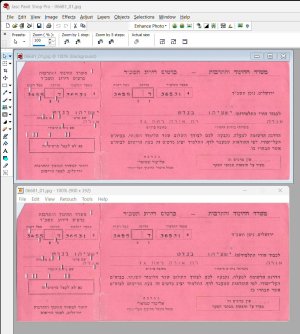
OK. in the double image the top card is in Paint Shop Pro and the bottom is in Firehand Ember.
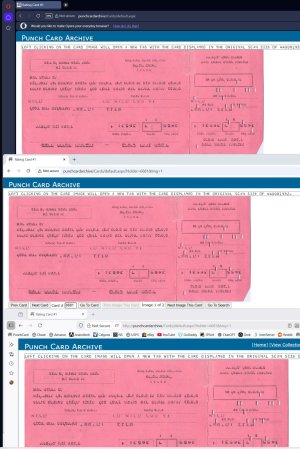
In the triple image the top is Opera, the middle is Chrome and the bottom is Firefox.
All programs and browsers are looking at the same JPG on my C drive. In Windows Photos the orientation is correct.
Not a dog-ear. On a computer punch card it is called a corner cut.
I have decided the problem is caching on my PC. I see cards displaying with the wrong size on my PC. I had already resized them. I FTP the images to my host and they display fine.
This site uses cookies to help personalise content, tailor your experience and to keep you logged in if you register.
By continuing to use this site, you are consenting to our use of cookies.








 Facebook
 Twitter