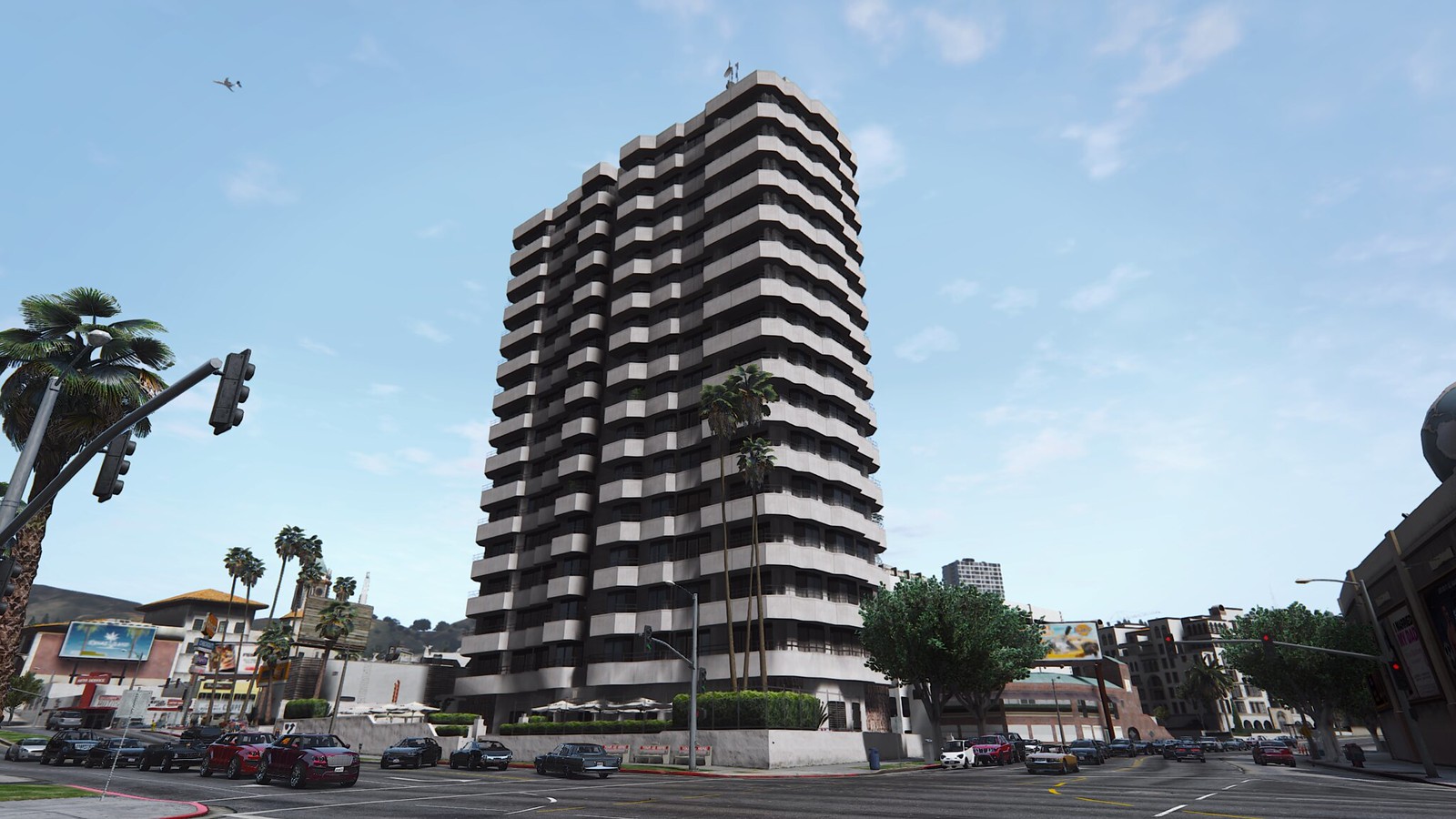
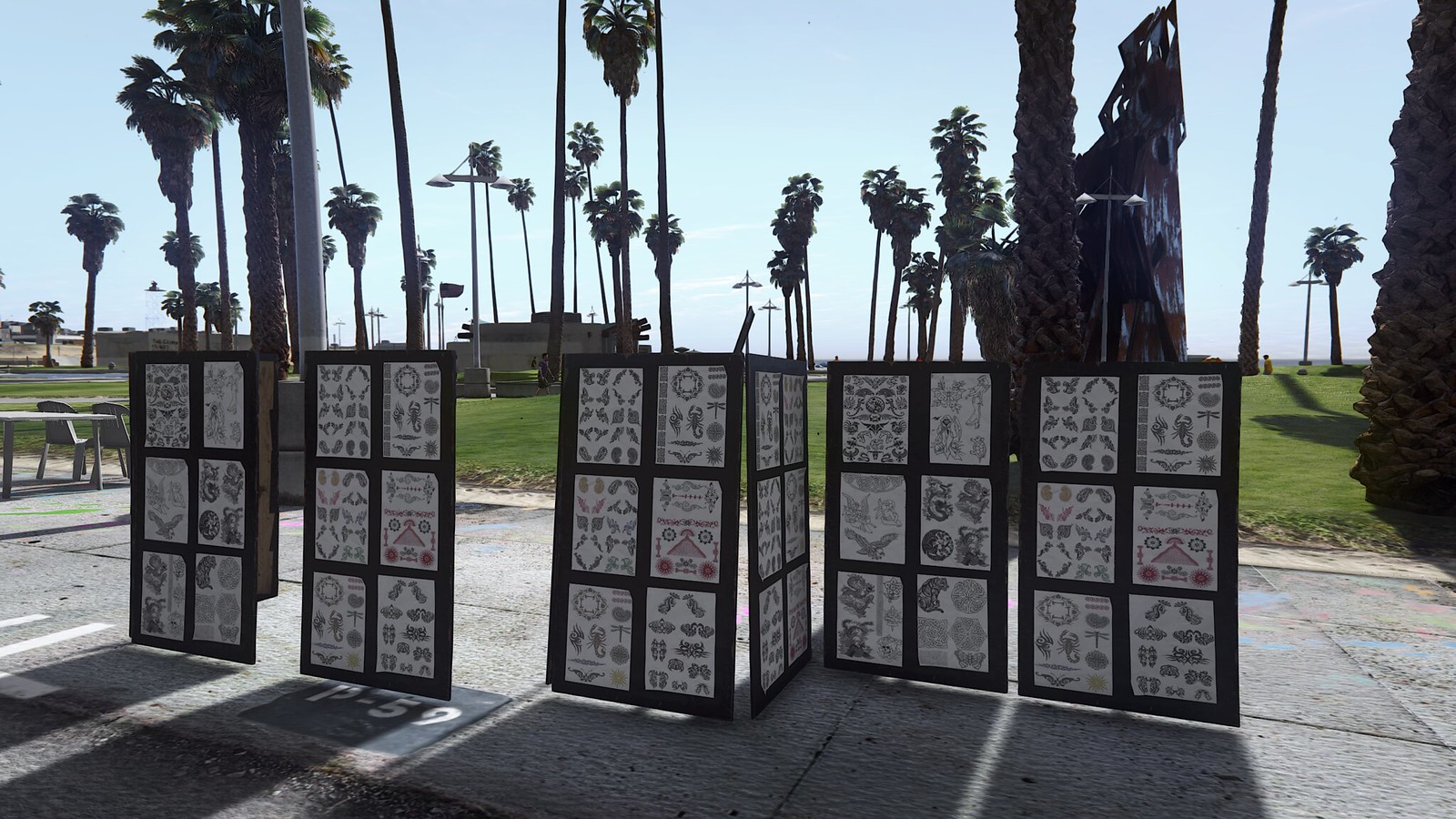
GTA 5 to look way better on PC.

Page 62 - Seeking answers? Join the AnandTech community: where nearly half-a-million members share solutions and discuss the latest tech.

Crow550

Platinum Member
Oct 4, 2005
2,381
5
81
Playing in First Person mode with head bobbing off and iron sights on is really awesome.

Also complex targeting is nice too.

All I wish if there was a setting to have being A driver in a vehicle auto go 3rd Person.I mean it's not a big deal to hit the V key but it would be nice.
 

manimal

Lifer
Mar 30, 2007
13,559
8
0
Playing in First Person mode with head bobbing off and iron sights on is really awesome.

Also complex targeting is nice too.

All I wish if there was a setting to have being A driver in a vehicle auto go 3rd Person.I mean it's not a big deal to hit the V key but it would be nice.

I thought you could do that in settings? Ill look next time I log on may not be today with all the 4th hullabaloo..


Didnt get a beer hat ><


Right now RP is so easy its not even funny. With so many peeps doing contact missions for the rp every single one I join is full of peeps and the levels fly by getting 5k RP from titan. Hell you can go afk for the last 5 mins if your not flying the titan.

Did the coke one and there were 6 helicopters flying around. Apocalypse now on those ballers :)
 

futurefields

Diamond Member
Jun 2, 2012
6,470
32
91
Playing in First Person mode with head bobbing off and iron sights on is really awesome.

Also complex targeting is nice too.

All I wish if there was a setting to have being A driver in a vehicle auto go 3rd Person.I mean it's not a big deal to hit the V key but it would be nice.

You can do this! Go to camera settings, allow independent cameras. Select First Person on foot and Third Person in vehicles.

Driving in first person is a PITA for visibility, but man it is fun barreling down the mountains in first person view!
 

Crow550

Platinum Member
Oct 4, 2005
2,381
5
81
Cool. Thanks!

For some reason I thought that was for something different lol! Thanks again.
 

futurefields

Diamond Member
Jun 2, 2012
6,470
32
91
286FACC9EF2F1FA962CBF68012CD1F3B777663D6


8116A3E64F93ED799FB19854A21A17AF4E991822


87AFA05DA4513713149B125E4AE0627AFB62E270


82B64FE4E249FA985E99583EE1F66CB2C58A3758


2322DB9BC34EEDB3CB6CD77C13089AB617638C1A


59C02F9406325EE18F023B30511D179384C7FAFF


375AE654A350DDC456D36057A5790D1C8114CEEF
 

IrmaCDunn

Junior Member
Jul 6, 2015
3
0
0
omnix.sa
just bluff textures, maybe a few added animals, but 'way' bigger on PC. it feels like it removed a band of ambient effects, and if it saves on 'performance' it affectionate of removes the atmosphere of it a bit too
 

Crow550

Platinum Member
Oct 4, 2005
2,381
5
81
Well since it's PC. Always have SweetFX, ReShade and ENB.... Whatever else I missed....

I wouldn't mind just having a bit sharper textures when in First Person mode.
 
Last edited:

z1ggy

Lifer
May 17, 2008
10,010
66
91
Will be i3-2100 and GTX 460 be able to run this game on anything other than low settings?
 

manimal

Lifer
Mar 30, 2007
13,559
8
0
Will be i3-2100 and GTX 460 be able to run this game on anything other than low settings?

possibly but it may not be enough. I get low frame rates on one of the htpcs with a 955 BE at stock so you may be SOL.


Those dual cores are getting long in the tooth. Drop in a used 50 dollar quad?


UPDATE LIVE!!!!!


retractable wing! WIN

NON WORKING LIGHTS ON RALLY FIGHTER LOSE


NO FOURTH PROPERTY LOSE
 

AMD64Blondie

Golden Member
Apr 20, 2013
1,839
175
106
When I started out playing GTA 5 (PC version)..I ended up after the bank heist(first mission in the game) playing as Franklin.Now it won't let me switch over to Michael or Trevor.

WTF happened,and how do I fix it?
 

Tommy2000GT

Golden Member
Jun 19, 2000
1,832
3
81
After doing the "Pack Man" mission where I dropped off the semi with loaded with 6 cars at Paleto Bay, Molly decided not to pay me. I waited until the screen said mission complete. Then I jumped into a car and chased down the car that drove away with Molly inside. I shot the driver and Molly jumped out. The game wouldn't let me shoot her so I ran her over repeatedly until she died. I wonder if this will affect the game.
 

wilds

Platinum Member
Oct 26, 2012
2,059
674
136
Here are my 2 screenshots from Xbox One and PC. Both at same time at time at night. Both the PC and Xbox have depth of field off.

PC Version Settings:

FXAA On
No MSAA
Softer Shadows
Normal Grass
2X Reflection MSAA
No Motion Blur
Remaining settings at maximum.

Switching back and forth between PC and Xbox One versions, I notice the XO version to be far sharper (grainier) than the PC version. The PC version also is running at 60 fps vs 30 fps on the Xbox. Overall, image quality is quite comparable. I did find the camera to be different between the two as well as the brightness setting. I forgot to enable the mini-map on the PC version.

PC Screenshot:


jBAM3y.png


Xbox One Screenshot:


vAd8fW.png


Links:

PC: http://i.cubeupload.com/jBAM3y.pnghttp://cubeupload.com/im/jBAM3y.pngXbox
Xbox One: http://i.cubeupload.com/vAd8fW.pnghttp://cubeupload.com/im/vAd8fW.pngCompressed
Compressed Mirror: http://imgur.com/a/MncjU
edit: The difference is in the details. Any suggestions for a compress free mirror?
 
Last edited:

destrekor

Lifer
Nov 18, 2005
28,799
359
126
Here are my 2 screenshots from Xbox One and PC. Both at same time at time at night. Both the PC and Xbox have depth of field off.

PC Version Settings:

FXAA On
No MSAA
Softer Shadows
Normal Grass
2X Reflection MSAA
No Motion Blur
Remaining settings at maximum.

Switching back and forth between PC and Xbox One versions, I notice the XO version to be far sharper (grainier) than the PC version. The PC version also is running at 60 fps vs 30 fps on the Xbox. Overall, image quality is quite comparable. I did find the camera to be different between the two as well as the brightness setting. I forgot to enable the mini-map on the PC version.

PC Screenshot:


jBAM3y.png


Xbox One Screenshot:


vAd8fW.png


Links:

PC: http://i.cubeupload.com/jBAM3y.pnghttp://cubeupload.com/im/jBAM3y.pngXbox
Xbox One: http://i.cubeupload.com/vAd8fW.pnghttp://cubeupload.com/im/vAd8fW.pngCompressed
Compressed Mirror: http://imgur.com/a/MncjU
edit: The difference is in the details. Any suggestions for a compress free mirror?

If you are curious about the sharpness difference, try comparing without FXAA. FXAA creates a blur that is even across the screen, it does not discriminate between edges and whole polygons/textures. Turn off FXAA, and the image will be sharper and probably "grainier" if that is how you describe the console visuals.
 

wilds

Platinum Member
Oct 26, 2012
2,059
674
136
If you are curious about the sharpness difference, try comparing without FXAA. FXAA creates a blur that is even across the screen, it does not discriminate between edges and whole polygons/textures. Turn off FXAA, and the image will be sharper and probably "grainier" if that is how you describe the console visuals.

I goofed up. My Samsung monitor changes sharpness if it is in 'Game' which Xbox One is on. This explains why the screenshots look so similar, whereas on my display, they looked vastly different. Labeling Xbox One as a PC fixed this for me.

I did turn off FXAA and tried out 2X and 4X. Sharpness doesn't really change, but 4X MSAA obviously has less aliasing. Doesn't the Xbox One version of GTA V use FXAA? That is why I chose to use it on PC.
 

destrekor

Lifer
Nov 18, 2005
28,799
359
126
I goofed up. My Samsung monitor changes sharpness if it is in 'Game' which Xbox One is on. This explains why the screenshots look so similar, whereas on my display, they looked vastly different. Labeling Xbox One as a PC fixed this for me.

I did turn off FXAA and tried out 2X and 4X. Sharpness doesn't really change, but 4X MSAA obviously has less aliasing. Doesn't the Xbox One version of GTA V use FXAA? That is why I chose to use it on PC.

Ah. No idea what the consoles use for AA.
 

destrekor

Lifer
Nov 18, 2005
28,799
359
126
I haven't had good luck in getting this game to run okay, since ever.

I recently committed to a full format and fresh install of Windows 8.1 with latest drivers. Just clean installed Catalyst 15.7.

I still get the game crashing on occasion when entering the pause menu.

And I have discovered a cure for my stuttering: disable and enable v-sync in the game, nothing else, nothing more. RadeonPro was proving useless, and forcing V-sync Always On in CCC actually made it worse even after doing that trick, as it was still full of microstutter.

There has got to be something to do that can get the game to run butter smooth without forcing me to disable and then re-enable the in-game Vsync option. It proves the game is capable of looking great, but only toggling settings apparently forces it to behave. And then there's the crashing still.
 
Feb 6, 2007
16,432
1
81
I goofed up. My Samsung monitor changes sharpness if it is in 'Game' which Xbox One is on. This explains why the screenshots look so similar, whereas on my display, they looked vastly different. Labeling Xbox One as a PC fixed this for me.

I did turn off FXAA and tried out 2X and 4X. Sharpness doesn't really change, but 4X MSAA obviously has less aliasing. Doesn't the Xbox One version of GTA V use FXAA? That is why I chose to use it on PC.

Usually I'm firmly in the anti-FXAA crowd because I don't like how it smears textures, but the performance hit from MSAA is completely unjustifiable for the moderate improvement it provides in this game. 2x MSAA is already a 25% performance hit and doesn't look as crisp as FXAA. 4x MSAA looks better than FXAA, but it's a 40% performance hit, compared to ~4% for FXAA. For the same performance hit, you can downsample from a higher resolution with FXAA enabled, and have crisper textures and cleaner AA, plus coverage of transparent textures which MSAA ignores. The downsampling negates any blur from FXAA and the improvements to foliage are vastly more impressive than anything 4x MSAA can provide. So even if you have quad Titan Xs and can run 8X MSAA without breaking a sweat, you're better off downsampling from a massive resolution with FXAA; it just looks better.
 

futurefields

Diamond Member
Jun 2, 2012
6,470
32
91
Without MSAA you get that horrible dithering on distance objects and the grass looks all pixellated at certain angles.

The in-game FXAA leaves a lot to be desired. It doesn't cover everything like it should.

I run 4x MSAA + TXAA.
 

manimal

Lifer
Mar 30, 2007
13,559
8
0
https://www.reddit.com/r/GrandTheft...should_only_be_using_one_not_three_different/

I enabled mfaa and high quality and AF in NVidia control panel and got a huge boost.

With the AF and high quality forced in controll panel I got a HUGE improvement. Adding MFAA with everything maxxed with Grass one tick down from ultra I am gettings great IQ and framerates on my i7 at 4.6 and gtx 980 at 1600 core 4000 mem. Finally smooth.


I also got tons less crashing by changing prefer power mode to maxximum and the crashes I was getting when the card was switching P states is GONE FINALLY!!!!!

Zero crashes. There is a hotfix driver that some are saying is helping them with slowdowns though it lists sony vegas as its only fix.