• We’re currently investigating an issue related to the forum theme and styling that is impacting page layout and visual formatting. The problem has been identified, and we are actively working on a resolution. There is no impact to user data or functionality, this is strictly a front-end display issue. We’ll post an update once the fix has been deployed. Thanks for your patience while we get this sorted.

Wirelessly connect a Windows laptop to a TV?

I've never done this before and I'm wondering how practically possible it is.

This guide says a Windows laptop "should" have the tech built in, trying to find Miracast capable TVs doesn't seem to be entirely straightforward.

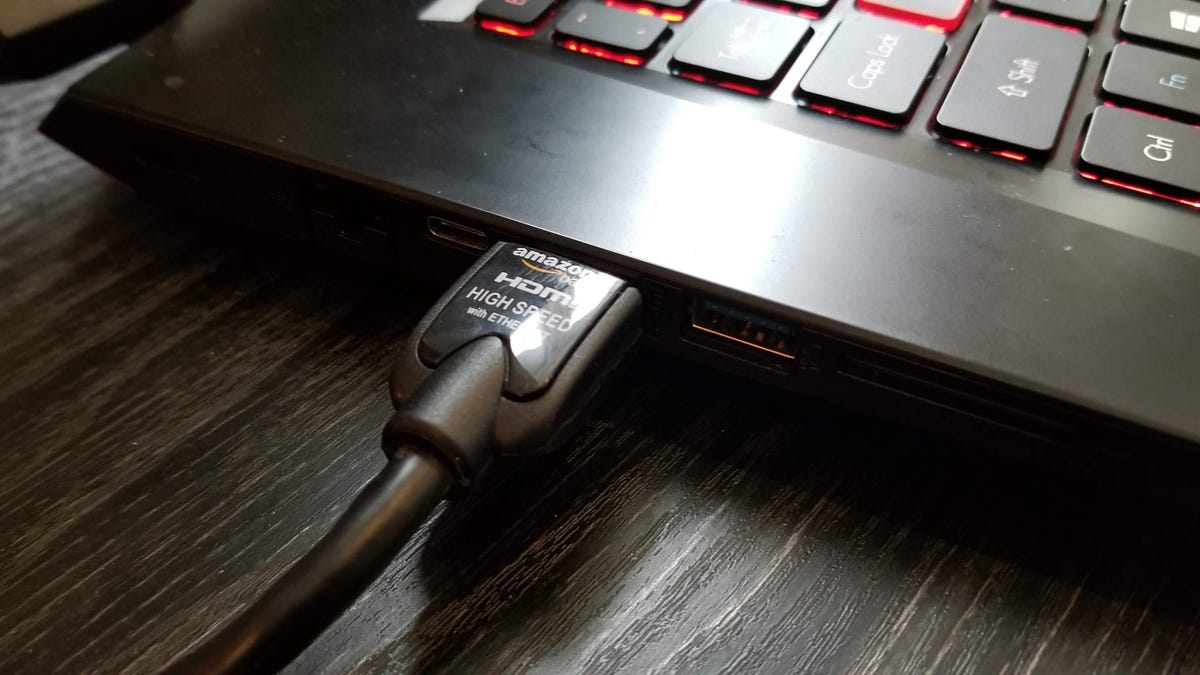
I'm thinking of saying "screw it" and going for a long HDMI cable, but if someone here has some useful experiences with this kind of thing, I'd like to know!
 
Look for a Google Chromecast stick or box. Use Google to "cast" your screen to the device, plugged into your tv's HDMI and USB ports.
 
What does your TV support? DLNA?

Edit: With that question and the link below, I was just assuming you wanted to play media, then noticed you mentioned Miracast. You want to instead use it as the primary display for the laptop? If so then I'd just use an HDMI cable. Wired is always going to be lowest latency.


Last edited:
Look for a Google Chromecast stick or box. Use Google to "cast" your screen to the device, plugged into your tv's HDMI and USB ports.

If I want to cast the laptop screen's contents regardless of what they are, will that work?

---

DLNA - my impression was that it's for serving up media files over the network, not screen contents as such?
 
You can stream some stuff to many TV's, but it would not get you a desktop display as though you connected it as a monitor. If streaming audio/video/images is not what you need, an HDMI cable is what you require. There are some HDMI solutions that are designed for long distance, but if you are trying to do 4k 120hz, etc., it is really designed for 3 meters or so max on a normal cable. After that you need to look at fiber optics or other transceiver based systems like hdmi over ethernet.

Also remember you will need a keyboard/mouse or other interface as well to the laptop.
 
With an AM4 PC I just built which has built-in wifi, I was able to cast to a new Samsung 4k smart TV. Connection was a doddle, but one thing that took some messing around to sort though was some very noticeable colour saturation. I tried AMD's control centre and messing with RGB settings but that did absolutely nothing to the TV's output, in the end the only option I found that made any real difference was on the TV, setting the colour profile to 'movie' which gave most of the colour depth back to the casted output.

HDMI from my laptop didn't have the colour problem. The HDMI output was pretty much fine without any tweaking, though I set it to the 'graphic' profile (only available on HDMI) which I think improved it a bit.
 
hardwire is always better. However every TV is different and you do need to adjust the output and sometimes tv settings to get it right.
 
Back
Top