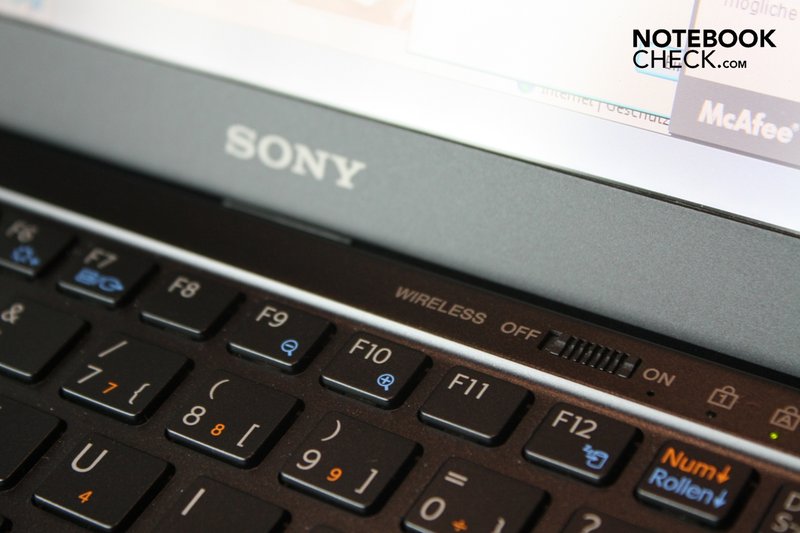
My wireless connection to my internet just stopped working. I have no idea why.
I noticed my VAIO Smart network wireless switch is not cut on.
When I open up the VAIO smart network to cut on the WI FI(that is current showed as dis connected, every time that I click the on switch or any switch in the Manuel a little box pops up and says "Turn the WIRELESS switch on the VAIO to ON and then try again".
Any ideas how to fix this and/or get my wireless connection back working again?
I noticed my VAIO Smart network wireless switch is not cut on.
When I open up the VAIO smart network to cut on the WI FI(that is current showed as dis connected, every time that I click the on switch or any switch in the Manuel a little box pops up and says "Turn the WIRELESS switch on the VAIO to ON and then try again".
Any ideas how to fix this and/or get my wireless connection back working again?