This is a funny one, and I'll try to be as explicit and detailed as possible, first let me detail the equipment involved and any modifications I've made from factory:
Charter Spectrum Cable Internet - 65Mbps
Motorola SB6121 Cable Modem
Downstream Power Levels -3/-4/-3/-4 (dBmV)
Downstream Signal:Noise - 36dB/36dB/36dB/36dB
Upstream Power - 41dBmV
(All Modem readings stay within acceptable limits during periods of latency)
Netgear WNDR3700 Wireless Router - Admin, WPA2 & Wireless secured, DNS Servers changed to Google/OpenDNS
Symptoms:
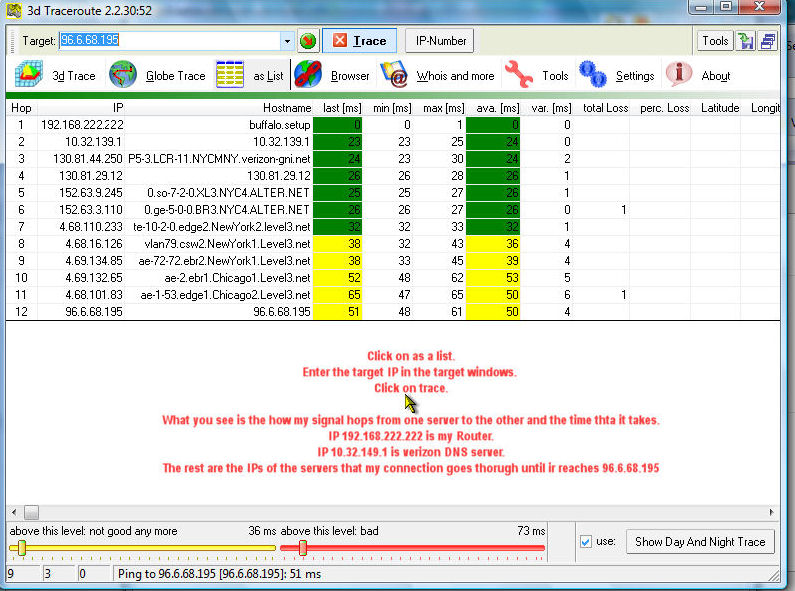
Mostly during late peak hours (~8:30-9pm EST) I get noticeable latency on our entire network. I test by running constant pings to our Modem and Router, when the latency starts, I get local pings around 100ms-500ms. The Desktops are connected to a Gigabit Netgear switch with Cat5e/Cat6, and the switch is connected to the Router through a Cat6 cable I made when we moved into the house this year. The Router is connected to the Modem via a 3' Cat6 cable.
Troubleshooting steps taken:
Charter tech called when signal levels were slightly off a few weeks back, he removed a filter from the line up the street and put a splitter in between the line and the modem to straighten our signal out.
The latency shouldn't be related to network activity, as the pings I'm concerned about are high(100-500ms) even to the local router & modem. Last night's latency happened when only our Phones, iPads, and my Desktop was connected to the network. I verified this through the Router's GUI.
The cable I made that runs from the switch to the router tested fine both when I made the cable, and when I tested it before Charter came out to check on the signal levels. I'm going to seal up the small exposed slit in the covering of the cable from where I pulled the tear string down to open it - just in case - but the latency isn't constant or nearly reliable enough to seem like a cabling issue.
Last night when the latency started, I restarted both the Cable Modem and the Router. It cleared up for about 5 minutes, then returned. Waiting it out doesn't seem to work, but I haven't had patience beyond 30 minutes yet. On a whim, I left both ping windows open to both the Router and Modem, then restarted only the Modem - as soon as the Modem restarted, the ping on the Router dropped to <1ms. It stayed that way for the rest of the night.
I can't imagine this is in any way related to changing the DNS servers on the router, the reason I changed them was because Charter's DNS servers have died for an entire evening two times since March. My Networking knowledge tells me that if I'm pinging the Router & Modem via their IP addresses, there should be no DNS involved. Perhaps I'll change it back anyway.
Finally, on the off chance my Modem or Router have decided to start acting up (the modem is ~2 years old, the router is ~4) I'm going to pick up a SB6141 Modem and a Netgear R6400 today after work if I can't think of anything else by then to just shotgun the issue.
If anyone can think of anything that could cause this kind of sporadic LOCAL latency to direct IP pings, please comment, any help would be great.
Charter Spectrum Cable Internet - 65Mbps
Motorola SB6121 Cable Modem
Downstream Power Levels -3/-4/-3/-4 (dBmV)
Downstream Signal:Noise - 36dB/36dB/36dB/36dB
Upstream Power - 41dBmV
(All Modem readings stay within acceptable limits during periods of latency)
Netgear WNDR3700 Wireless Router - Admin, WPA2 & Wireless secured, DNS Servers changed to Google/OpenDNS
Symptoms:
Mostly during late peak hours (~8:30-9pm EST) I get noticeable latency on our entire network. I test by running constant pings to our Modem and Router, when the latency starts, I get local pings around 100ms-500ms. The Desktops are connected to a Gigabit Netgear switch with Cat5e/Cat6, and the switch is connected to the Router through a Cat6 cable I made when we moved into the house this year. The Router is connected to the Modem via a 3' Cat6 cable.
Troubleshooting steps taken:
Charter tech called when signal levels were slightly off a few weeks back, he removed a filter from the line up the street and put a splitter in between the line and the modem to straighten our signal out.
The latency shouldn't be related to network activity, as the pings I'm concerned about are high(100-500ms) even to the local router & modem. Last night's latency happened when only our Phones, iPads, and my Desktop was connected to the network. I verified this through the Router's GUI.
The cable I made that runs from the switch to the router tested fine both when I made the cable, and when I tested it before Charter came out to check on the signal levels. I'm going to seal up the small exposed slit in the covering of the cable from where I pulled the tear string down to open it - just in case - but the latency isn't constant or nearly reliable enough to seem like a cabling issue.
Last night when the latency started, I restarted both the Cable Modem and the Router. It cleared up for about 5 minutes, then returned. Waiting it out doesn't seem to work, but I haven't had patience beyond 30 minutes yet. On a whim, I left both ping windows open to both the Router and Modem, then restarted only the Modem - as soon as the Modem restarted, the ping on the Router dropped to <1ms. It stayed that way for the rest of the night.
I can't imagine this is in any way related to changing the DNS servers on the router, the reason I changed them was because Charter's DNS servers have died for an entire evening two times since March. My Networking knowledge tells me that if I'm pinging the Router & Modem via their IP addresses, there should be no DNS involved. Perhaps I'll change it back anyway.
Finally, on the off chance my Modem or Router have decided to start acting up (the modem is ~2 years old, the router is ~4) I'm going to pick up a SB6141 Modem and a Netgear R6400 today after work if I can't think of anything else by then to just shotgun the issue.
If anyone can think of anything that could cause this kind of sporadic LOCAL latency to direct IP pings, please comment, any help would be great.