• We’re currently investigating an issue related to the forum theme and styling that is impacting page layout and visual formatting. The problem has been identified, and we are actively working on a resolution. There is no impact to user data or functionality, this is strictly a front-end display issue. We’ll post an update once the fix has been deployed. Thanks for your patience while we get this sorted.

What PCIe add in cards can boot a NVMe M.2 SSD?

Page 3 - Seeking answers? Join the AnandTech community: where nearly half-a-million members share solutions and discuss the latest tech.
do any of u guys know how those multi cards configure the drives?
Does it Raid them? Jbod? or do you get each drive as a single drive?
 
do any of u guys know how those multi cards configure the drives?
Does it Raid them? Jbod? or do you get each drive as a single drive?

From this article, they call it VROC:

https://www.pcworld.com/article/319...le-crazy-raid-configurations-for-a-price.html

f you populated the Hyper M.2 with four drives and dropped it into a slot even on an older motherboard, it would work, but all you would see is four individual M.2 drives. What’s new is the ability to RAID it. All you have to do is boot into the board’s BIOS and enable Intel’s VROC feature
 
Oh its a VROC card... sigh....

Something we should of gotten for free, yet is now DLC'd with our intel boards.
 
(Both cards below require the motherboard have bifurcations in the PCIe x16 slot)

https://www.anandtech.com/show/12961/gigabyte-aorus-pcie-x16-m2-for-four-nvme-drives-x399-compatible

2018-06-05%2017.26.57_575px.jpg


https://www.anandtech.com/show/12987/msi-four-way-m2-pcie-card-it-looks-like-a-gpu

2018-06-08%2013.41.20_678x452.jpg


2018-06-08%2013.40.16_575px.jpg


fds_575px.jpg
 
I really like this one a lot:

https://www.bit-tech.net/reviews/tech/motherboards/asus-rog-zenith-extreme/1/

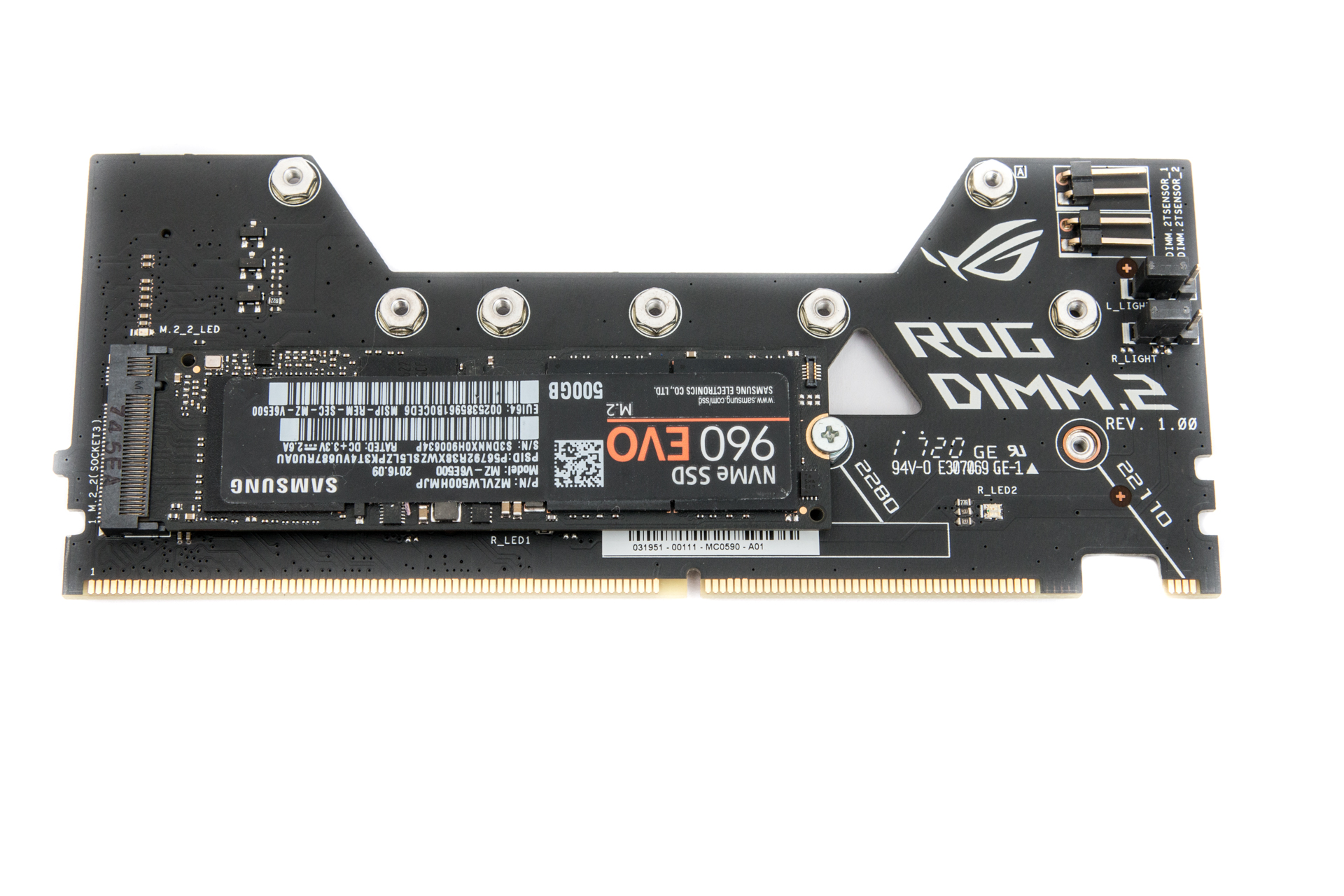
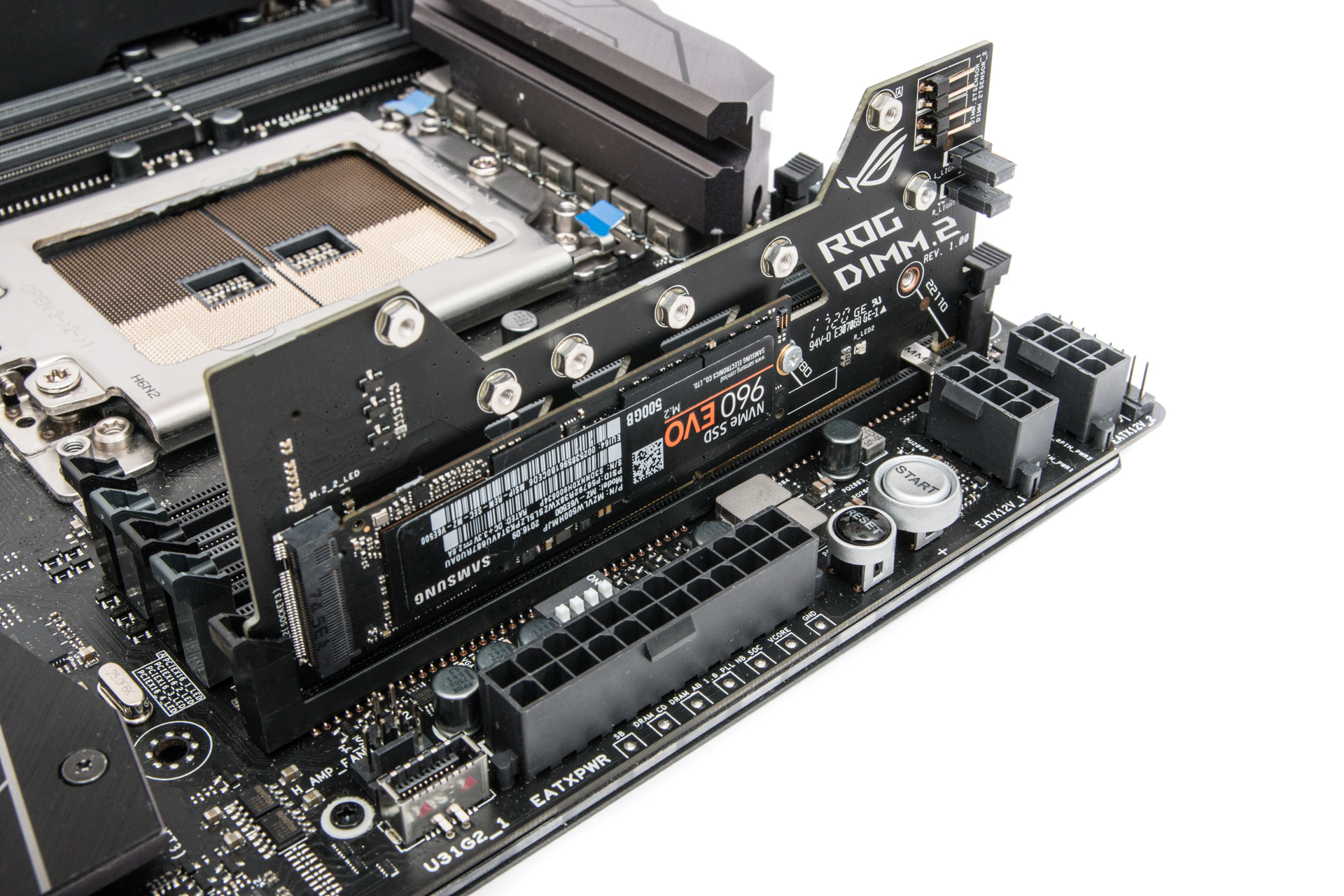
The other two ports come courtesy of a DIMM.2 riser card that uses a ninth DIMM-like slot on the right of the board to provide two fully fledged PCIe x3 M.2 slots as well as fans for better cooling. We think this is a great idea as it not only looks better than the hideous vertical arrangements we've seen that have the SSD standing up like a skyscraper, but it's also likely they've benefit more from your case or cooler's airflow too. The module makes it much easier to get at the SSDs too and clips in place just like a memory module would.

6b49d5b7-30ef-42c3-bfb4-439279f31748.jpg

9978c46c-16ed-4231-9204-2229abf134d5.jpg
 
Back
Top