• We’re currently investigating an issue related to the forum theme and styling that is impacting page layout and visual formatting. The problem has been identified, and we are actively working on a resolution. There is no impact to user data or functionality, this is strictly a front-end display issue. We’ll post an update once the fix has been deployed. Thanks for your patience while we get this sorted.

Tablet screen artifacts?

taisingera

Golden Member
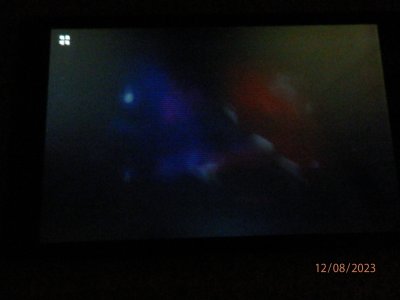
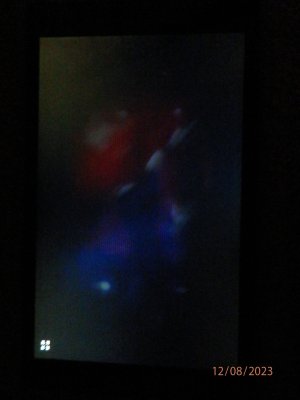
I have this old Lenovo Tab 4 8" which has been tossed around and been put under a pillow over the last 4 years. I think I know what happened to the screen, but am looking for some comments to see for sure. These artifacts can only be seen when the display is on but on a dark color, like dark blue or black. I'll just say that you should be seeing some strange white spots and colored pixels in the screen. The glass is not cracked but has a few light scratches on it. Other than on a dark screen, everything looks normal on webpage or app.

 

Attachments

  • PB290061.JPG
    PB290061.JPG
    726.2 KB · Views: 2
  • PB290062.JPG
    PB290062.JPG
    719.6 KB · Views: 3
  • PC080078.JPG
    PC080078.JPG
    464.6 KB · Views: 2
  • PC080079.JPG
    PC080079.JPG
    273.6 KB · Views: 3
White spots sound like dead pixes (or dead pixel group).

Pixel failure: : The LCD screen consists of many small pixels. If one of the pixels fails, a white spot may form. This failure may be caused by defects in the manufacturing process, physical damage, or long-term use. - Mar 22, 2023

The colored pixels sound like "hot pixels."

There can be dead or stuck pixels & in some cases it is possible to effect a repair.

https://deadpixeltest.org/how-to-check-my-screen-for-dead-pixels
 
Back
Top