• We’re currently investigating an issue related to the forum theme and styling that is impacting page layout and visual formatting. The problem has been identified, and we are actively working on a resolution. There is no impact to user data or functionality, this is strictly a front-end display issue. We’ll post an update once the fix has been deployed. Thanks for your patience while we get this sorted.

Info Statuscore core stresser


Cool utility.

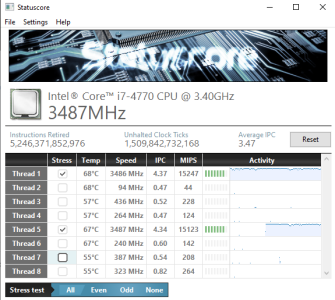
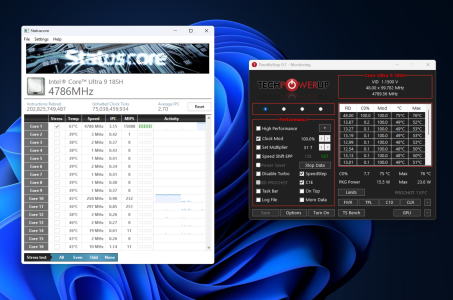
1749058506971.png

Notice how stressing a selected core causes the next core to rise in temperature too, despite nothing happening on it.

Recommend not to stress all cores unless you have good cooling.

Also, the driver in the folder needs to be installed for it to work.
 
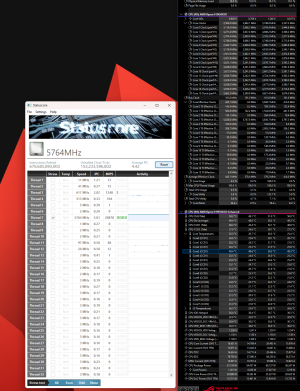
Cant read Zen5 temps and dont understand ECLK overclock it seems
But pretty much zero heating up of the neighbouring cores with DD + LM
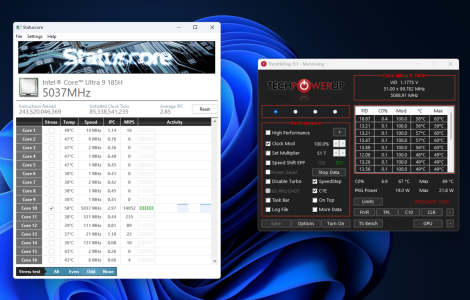
1749066697399.png
 
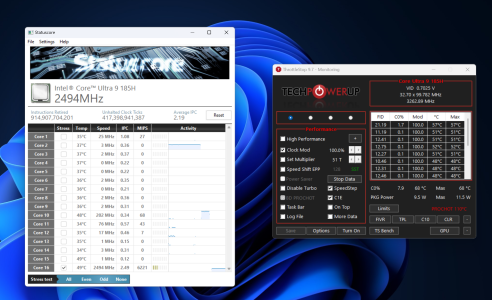
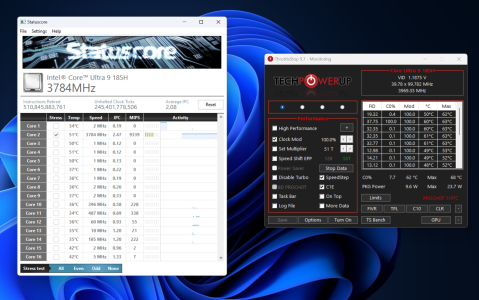
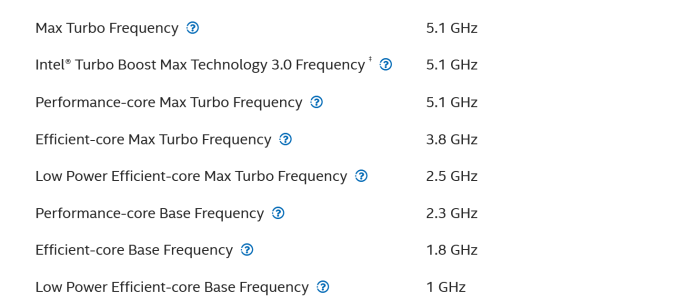
So the LP E-core is just the exact same E-core with same architecture just clocked lower? Because the IPC and frequency tracks perfectly between them. 50% higher frequency for 50% higher MIPS.
 
So the LP E-core is just the exact same E-core with same architecture just clocked lower? Because the IPC and frequency tracks perfectly between them. 50% higher frequency for 50% higher MIPS.
Yes exactly same core also I think this workload is very small so it fits inside L1 or spill to L2 at max otherwise we would have seen worse results in IPC.
 
Cant read Zen5 temps and dont understand ECLK overclock it seems
But pretty much zero heating up of the neighbouring cores with DD + LM
View attachment 124887
Statuscore has never shown temperature on Ryzen, even back in 1000 series days, I used to use it to see max frequency for a core back then.

It will report effective clocks under eCLK correctly, if it doesn't it maybe how CPU/BOARD FW report eCLK, this is also the reason why HWINFO may at times not show eCLK correctly, link.

 
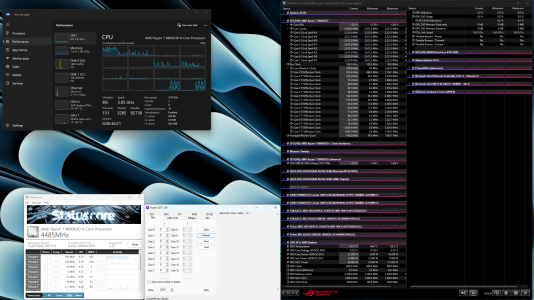
1770128188813.pngExperiencing some issues with Statuscore

Statuscore is just reporting 5 threads with Thread 1 controlling Thread 1, Thread 6 to Thread 16.

Is this a bug or a setting that I have to change

BIOS Settings I have SMT Enabled,

Motherboard: ASUS ROG CROSSHAIR X670E GENE

Appreciate your help!

Update: Interesting... It decided to show the threads after I screenshot. RESOLVED!!!
 
Back
Top