• We’re currently investigating an issue related to the forum theme and styling that is impacting page layout and visual formatting. The problem has been identified, and we are actively working on a resolution. There is no impact to user data or functionality, this is strictly a front-end display issue. We’ll post an update once the fix has been deployed. Thanks for your patience while we get this sorted.

Question SSD question

jfelano

Senior member
Hi guys, you all have helped me so much in the past I'm back for your help.

My main hard drive is a 250gb SSD. It's nearly full and I'm going to buy a 512gb SSD to replace it during July 4th sale.

Can I just copy the data from my 250 to my 512 and expect it to boot up as normal, or does it not work that way?
 
Presumably you mean that Windows boots from the 256GB SSD. If so, then no you can't simply copy the files over and expect it to work. You'd need to clone the drive contents onto the new drive.

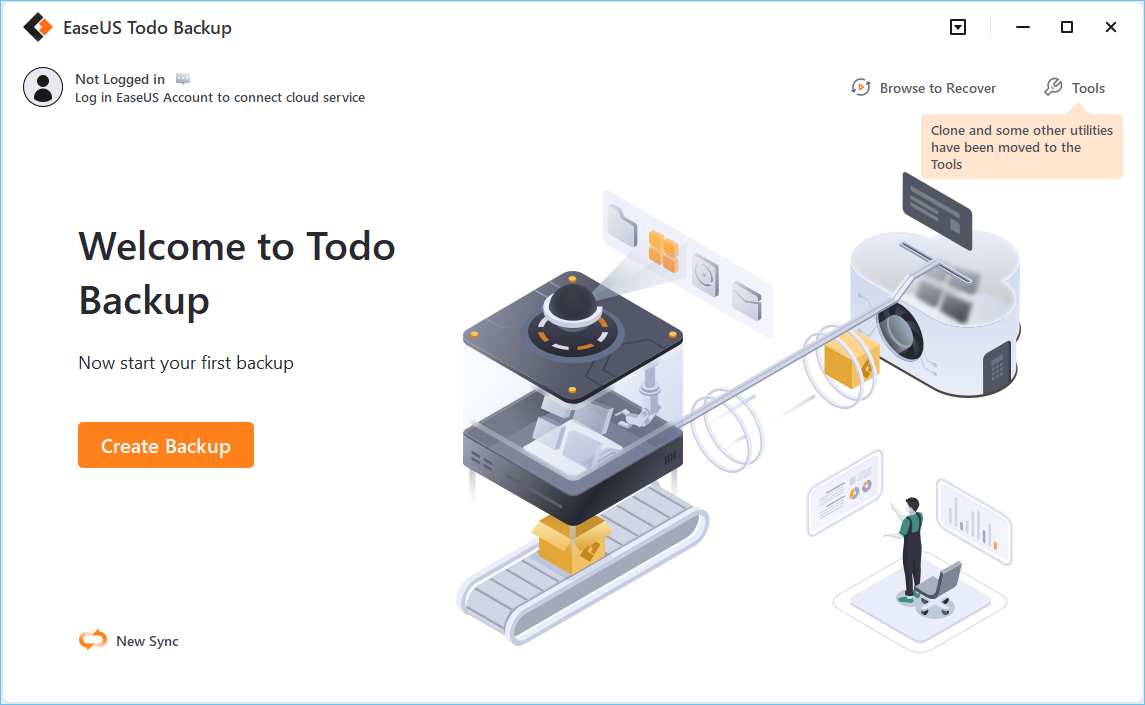
This software is free and has the option to clone a system drive with all the extra partition table information needed for an operating system to boot properly:


I've used it a few times before. Install it, connect the new drive as an additional drive in your system, run this software, tell it to system clone to and from the correct drives, tick an option that the destination drive is an SSD, and it should do the complicated bit for you. Shut down the PC, replace the 256GB SSD with the 512GB, boot and you should be good to go.
 
Many SSD also come with a cloning software, like NTI Echo, though rather than coming in the box you may have to download it from their (SSD manufacturer) site.
 
Back
Top