Follow along with the video below to see how to install our site as a web app on your home screen.
Note: This feature may not be available in some browsers.
We’re currently investigating an issue related to the forum theme and styling that is impacting page layout and visual formatting. The problem has been identified, and we are actively working on a resolution. There is no impact to user data or functionality, this is strictly a front-end display issue. We’ll post an update once the fix has been deployed. Thanks for your patience while we get this sorted.
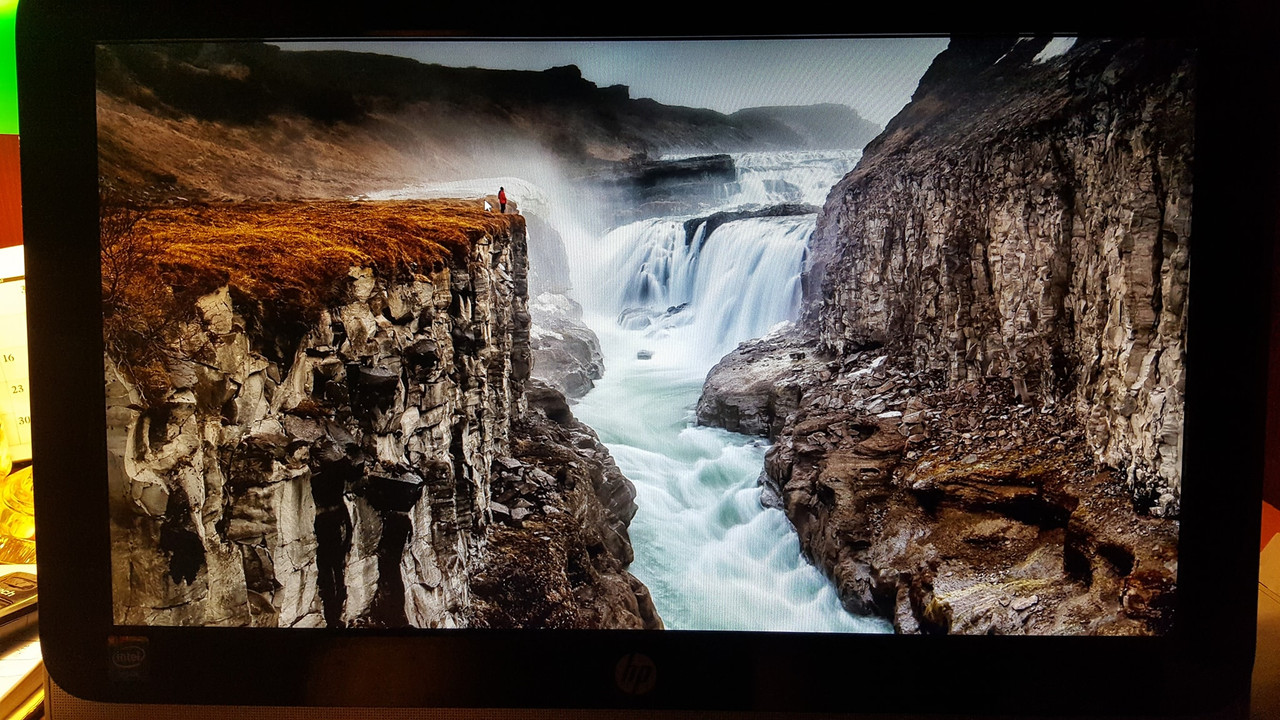
Computer is stuck on the start up screen Windows 10. Control alt delete doesn't work. I can't pass the start up screen. Restarted 3 times, unplugged it 2 times, nothing works. Any ideas? It's a cheap all in one HP
FIXED: So after doing 4 or 5 force shut down's on the PC the Computer responded and was able to log into Windows and is now working properly. Very odd, this never happened in the year we've owned this Computer.
Does that system have laptop-style function keys, that would disable the keyboard or mouse / trackpad? If not, then maybe the USB controller drivers are screwed up.
(I don't suppose it has any PS/2-style keyboard or mouse ports, right?)
Does that system have laptop-style function keys, that would disable the keyboard or mouse / trackpad? If not, then maybe the USB controller drivers are screwed up.
(I don't suppose it has any PS/2-style keyboard or mouse ports, right?)
Hey! thanks for the suggestion it seems we both commented at the same time lol.
I managed to fixed the issue by doing several Hard shutdowns on the Computer. After the 4th or 5th attempt the Computer booted into the Log in Screen And Windows Normally.
This site uses cookies to help personalise content, tailor your experience and to keep you logged in if you register.
By continuing to use this site, you are consenting to our use of cookies.