
-
We’re currently investigating an issue related to the forum theme and styling that is impacting page layout and visual formatting. The problem has been identified, and we are actively working on a resolution. There is no impact to user data or functionality, this is strictly a front-end display issue. We’ll post an update once the fix has been deployed. Thanks for your patience while we get this sorted.
You are using an out of date browser. It may not display this or other websites correctly.
You should upgrade or use an alternative browser.
You should upgrade or use an alternative browser.
Let's see your android home screen
- Thread starter pete6032
- Start date


WelshBloke
Lifer


thilanliyan
Lifer
Pure function!! 😀
No excess, no widgets. Actually I was trying to get as close as possible to the Nokia N9 Meego, which has the best UI I've used IMO.

No excess, no widgets. Actually I was trying to get as close as possible to the Nokia N9 Meego, which has the best UI I've used IMO.
Last edited:

Commodus
Diamond Member
Forget the utilitarian home screens... here's mine from the Galaxy S6 Edge I'll have for a while! The background is a crop of this street art.


cronos
Diamond Member
1. Button in the middle goes to app drawer (sometimes I made it transparent to make sure that the screen is absolutely clean, but it's there)
2. Shortcuts to my most commonly used apps (there are 12 of them) are accessed from Wave Launcher, activated from the invisible hot zone at the bottom of the screen (tap, hold, drag up, and release to choose)
3. Wallpaper isn't always this boring, I do change it up to interesting pictures from time to time. But whatever it is, I get to see the whole picture, without icons covering it up 🙂

Edit:
Can't figure out how to take a screenshot of my Wave Launcher, but it looks basically like this. And it is accessible from any screen too, not just from home screen, so it's handy to jump back and forth.
I glitched it and screenshot worked. Haha.

2. Shortcuts to my most commonly used apps (there are 12 of them) are accessed from Wave Launcher, activated from the invisible hot zone at the bottom of the screen (tap, hold, drag up, and release to choose)
3. Wallpaper isn't always this boring, I do change it up to interesting pictures from time to time. But whatever it is, I get to see the whole picture, without icons covering it up 🙂
Edit:
I glitched it and screenshot worked. Haha.
Last edited:


shortylickens
No Lifer
Even more basic. In my world, function trumps cool. 🙂

I've never actually seen a picture of smashed ass before, but I imagine this is what it looks like.
Commodus
Diamond Member
1. Button in the middle goes to app drawer (sometimes I made it transparent to make sure that the screen is absolutely clean, but it's there)
2. Shortcuts to my most commonly used apps (there are 12 of them) are accessed from Wave Launcher, activated from the invisible hot zone at the bottom of the screen (tap, hold, drag up, and release to choose)
3. Wallpaper isn't always this boring, I do change it up to interesting pictures from time to time. But whatever it is, I get to see the whole picture, without icons covering it up 🙂
*snip*
Edit:
Can't figure out how to take a screenshot of my Wave Launcher, but it looks basically like this.And it is accessible from any screen too, not just from home screen, so it's handy to jump back and forth.
I glitched it and screenshot worked. Haha.
This is easily the most minimalist home screen I've seen. And I thought I valued a clean view...


core2slow
Senior member
Pretty much all the action is on the lock screen as the home screen is very minimalist. The white dot you see below the flame-spewing exhaust pops up a kit-kat style 4 configurable quick launch apps (flashlight, dolphin, maps and camera in my situation) and you swipe over to each direction (east, west, north east, north west) to launch them.

Last edited:
shortylickens
No Lifer
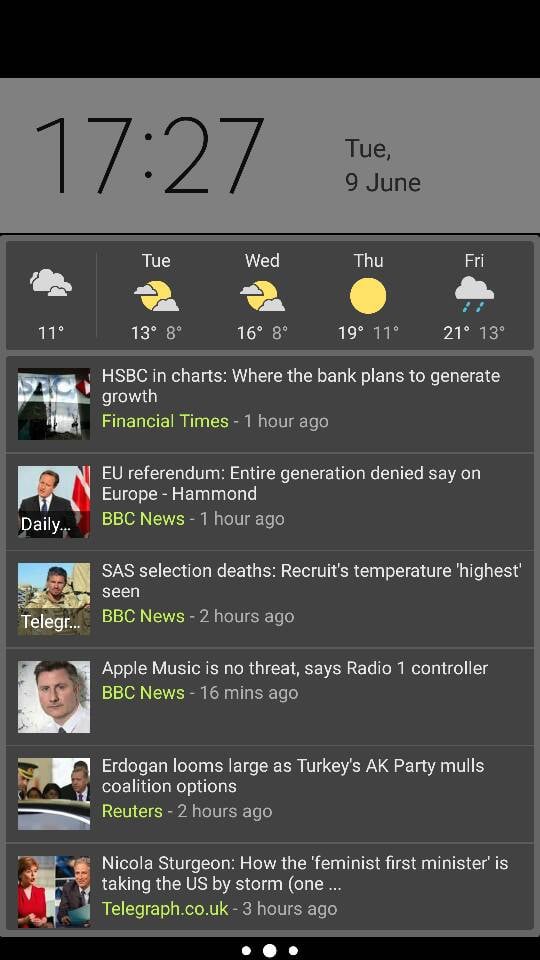
I dont know why you guys like little or nothing on your screen. The point of a smart phone is to get information. I keep several widgets on my center page so I can get loads of useful info in one quick glance (weather, email, appointments). I dont have to waste time digging for stuff.
core2slow
Senior member
On my lock screen, weather, emails, messages, calendar events, etc pop up like a list whenever they come in (swiping the notification opens the individual app). No need to clutter your home screen with widgets and consume resource and battery when you can have information come in when you need them.I dont know why you guys like little or nothing on your screen. The point of a smart phone is to get information. I keep several widgets on my center page so I can get loads of useful info in one quick glance (weather, email, appointments). I dont have to waste time digging for stuff.
WelshBloke
Lifer
On my lock screen, weather, emails, messages, calendar events, etc pop up like a list whenever they come in (swiping the notification opens the individual app). No need to clutter your home screen with widgets and consume resource and battery when you can have information come in when you need them.
Whoo, I'd not like all the sexts, pervy emails and dodgy assignations I have planned to show up on my lock screen! :whiste:

mikeymikec
Lifer
Nexus 5
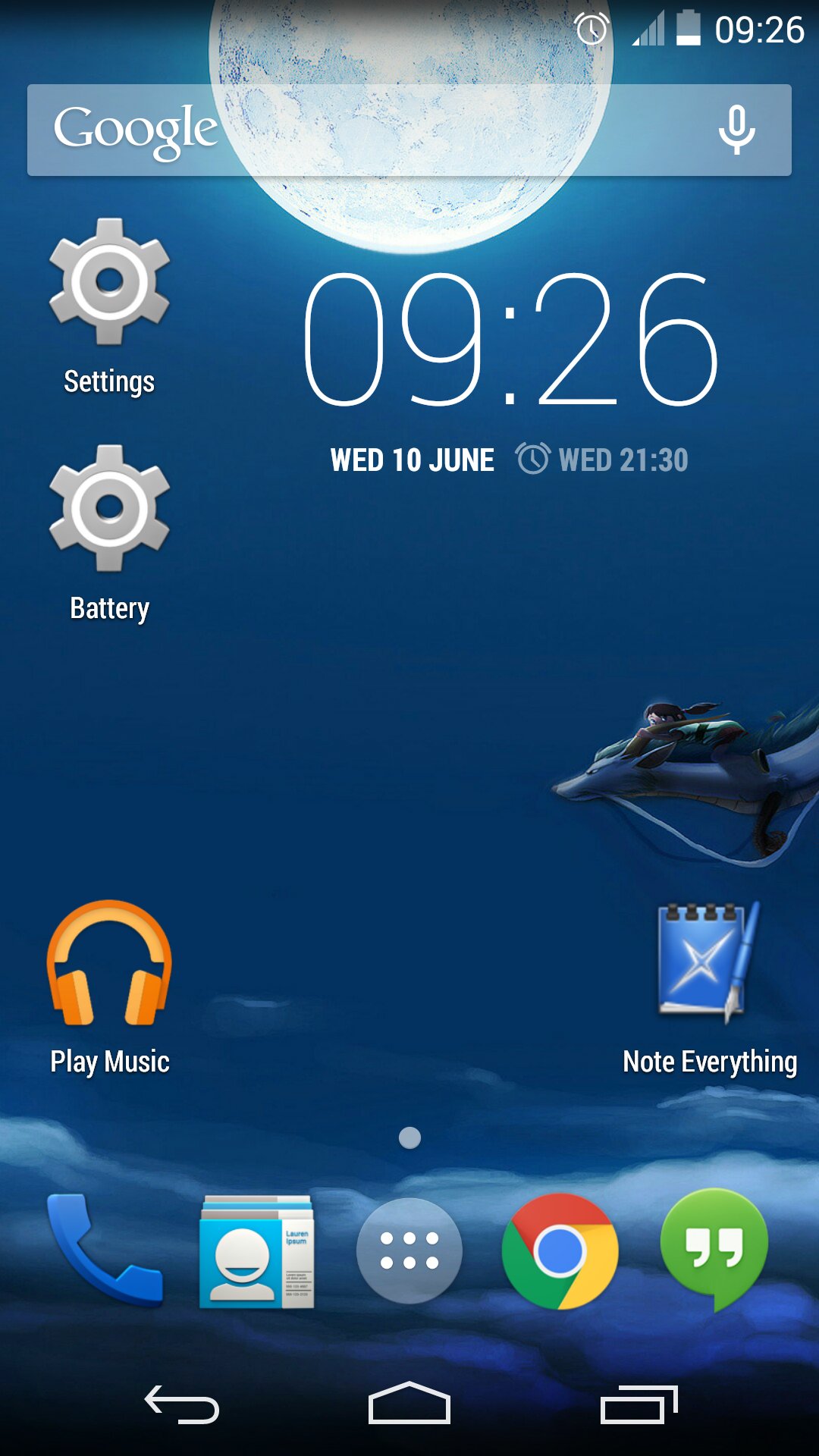
I don't appreciate clutter. I can access everything I need to in pretty short order so I really don't see a problem. Plus I have a purdy background pic to look at! 🙂
@ Red Storm
Is that what the new Google search / Now launcher looks like on the N5?
I dont know why you guys like little or nothing on your screen. The point of a smart phone is to get information. I keep several widgets on my center page so I can get loads of useful info in one quick glance (weather, email, appointments). I dont have to waste time digging for stuff.
I don't appreciate clutter. I can access everything I need to in pretty short order so I really don't see a problem. Plus I have a purdy background pic to look at! 🙂
@ Red Storm
Is that what the new Google search / Now launcher looks like on the N5?
Last edited:


I've been thinking about changing things up for a while, but I keep going back to my old way of setting up my home screen. All the apps I use on the first screen, widgets on the second screen (pedometer connected to my watch, google now, S-note).
I like the minimilist look, but always find them functionally wanting. Why wouldn't I have all my apps ready to click - right here? Going into the app drawer and having to scroll down seems meh, especially for apps I don't want to get explicit notifications so I only let have appear as badges.


I like the minimilist look, but always find them functionally wanting. Why wouldn't I have all my apps ready to click - right here? Going into the app drawer and having to scroll down seems meh, especially for apps I don't want to get explicit notifications so I only let have appear as badges.


cronos
Diamond Member
I dont know why you guys like little or nothing on your screen. The point of a smart phone is to get information. I keep several widgets on my center page so I can get loads of useful info in one quick glance (weather, email, appointments). I dont have to waste time digging for stuff.
That's a fair point. Every important notifications pop up and I could glance. Weather is on the lock screen, and calendar and events one slide away from the home screen. It's just the home screen itself that's naked.
It's a classic trade-off of fashion vs. function (or something like that) and I do sometimes change it up and put widgets.

lxskllr
No Lifer
Whoo, I'd not like all the sexts, pervy emails and dodgy assignations I have planned to show up on my lock screen! :whiste:
My lock screen...

I get notified of messages, but content isn't displayed. Otherwise, the only variable is media player controls when I have music going.
TRENDING THREADS
-
 Discussion Zen 5 Speculation (EPYC Turin and Strix Point/Granite Ridge - Ryzen 9000)
- Started by DisEnchantment
- Replies: 25K
-
Discussion Intel Meteor, Arrow, Lunar & Panther Lakes + WCL Discussion Threads
- Started by Tigerick
- Replies: 25K
-
 Discussion Intel current and future Lakes & Rapids thread
- Started by TheF34RChannel
- Replies: 24K
-

-
