• We’re currently investigating an issue related to the forum theme and styling that is impacting page layout and visual formatting. The problem has been identified, and we are actively working on a resolution. There is no impact to user data or functionality, this is strictly a front-end display issue. We’ll post an update once the fix has been deployed. Thanks for your patience while we get this sorted.

Getting a lot of blurring in games. Possible cause and solution?

barroso

Member
Not the motion blur which happens with faster movement, but rather a constant, rhythmical loss of focus as if the GPU were struggling to keep everything sharp when there is action going on.

This definitely shouldn't be the case considering the game is Arma 3 and the GPU a 390x with 6700k and 16GB ddr. I play with all setting at ultra except visibility and sampling which is at 100% - here i was also a little disappointed as the option says that "lower end GPUs" shouldn't go above 100% and in fact if i go above i do get a pretty hard FPS drop. Normally i get some 60 FPS average with the settings i mentioned.
 
Is it just that game that does this? It sounds like a post processing effect to be honest. A rhythmic loss of focus yet the computer doesn't crash, that's sounds like a graphics setting. Are FPS dips accompanied by this phenomenon of which you speak?
 
Is it just that game that does this? It sounds like a post processing effect to be honest. A rhythmic loss of focus yet the computer doesn't crash, that's sounds like a graphics setting. Are FPS dips accompanied by this phenomenon of which you speak?


Well thats the 1st game i tried on this rig and no its not related to FPS as it happens also in areas where i get constant 80fps.

While would the rhythmic loss of focus warrant a crash?
 
LG's "Clear Motion" feature only works up to 120hz on that monitor. You might try dropping to that refresh and enabling the feature. If it's not that you are probably experiencing what is called persistence. The pixel can't fully darken before the new draw, which results in smearing. The only a monitor than can do strobing can fix persistence. It will insert a black frame between each render frame.
 
Could be that the monitor has noticeable blur when using DVI because it is limited to 60Hz. It looks like the monitor also has a feature called "Clear Motion 240", but it is only applicable at 100Hz and 120Hz. My guess is that the monitor has ghosting/blur at lower refresh rates, or over DVI.

Edit - If you can't get over 60Hz via DVI, you probably have a single-link DVI cable.
 
Last edited:
Not the motion blur which happens with faster movement, but rather a constant, rhythmical loss of focus as if the GPU were struggling to keep everything sharp when there is action going on.

This definitely shouldn't be the case considering the game is Arma 3 and the GPU a 390x with 6700k and 16GB ddr. I play with all setting at ultra except visibility and sampling which is at 100% - here i was also a little disappointed as the option says that "lower end GPUs" shouldn't go above 100% and in fact if i go above i do get a pretty hard FPS drop. Normally i get some 60 FPS average with the settings i mentioned.

Are you only getting it in Arma 3 or other games? What MSAA/AA settings have you chosen in Crimson drivers?

In Crimson drivers:
- set Texture Filtering quality to High
- set Morphological Filtering to Off
- Surface Format Optimization to Off

You can also manually force Anisotropic filtering to x16 and play around with various Multi-sampling AA methods to see if it makes a difference.

Also, if your GPU is being pegged at 100%, this is actually good. It means your CPU able to fully max out the performance of your GPU and you are GPU bottlenecked because the GPU utilization is maxed out. Arma 3 is one of the most GPU demanding games on the PC with Ultra settings.

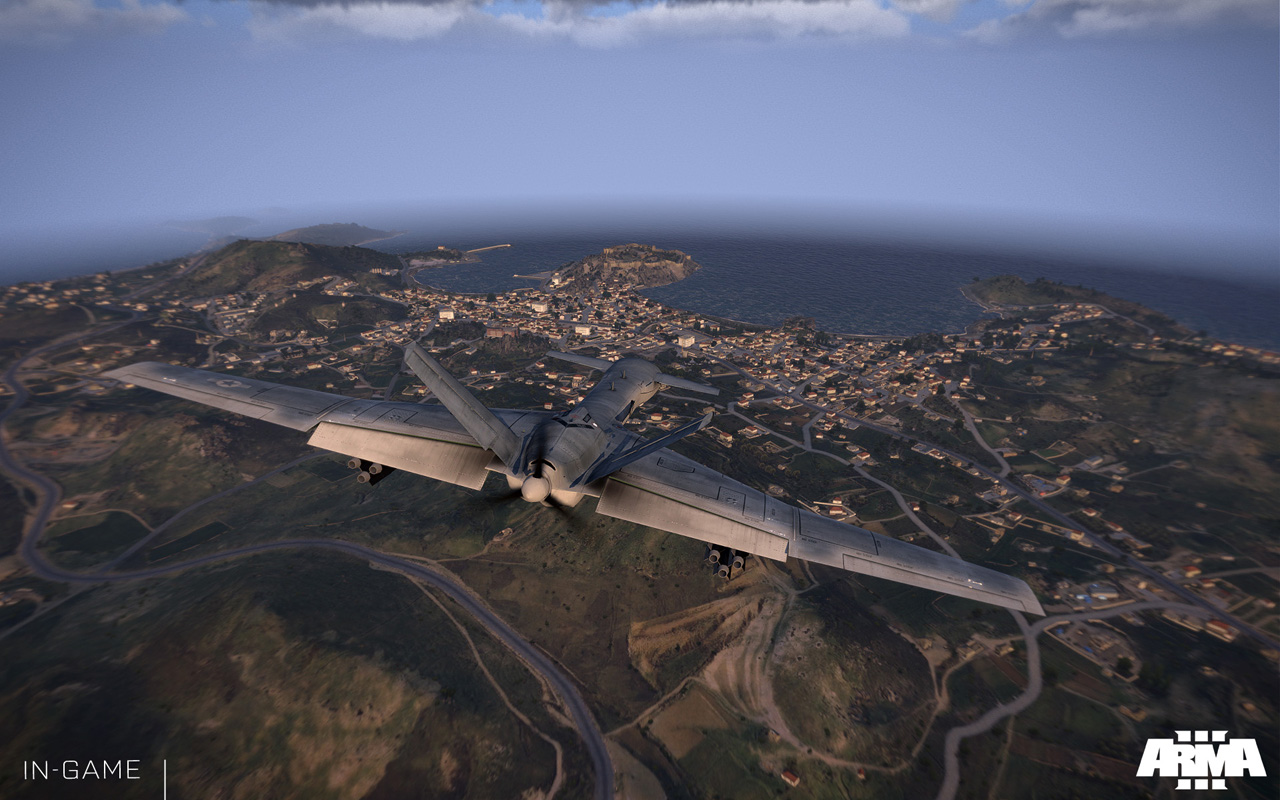
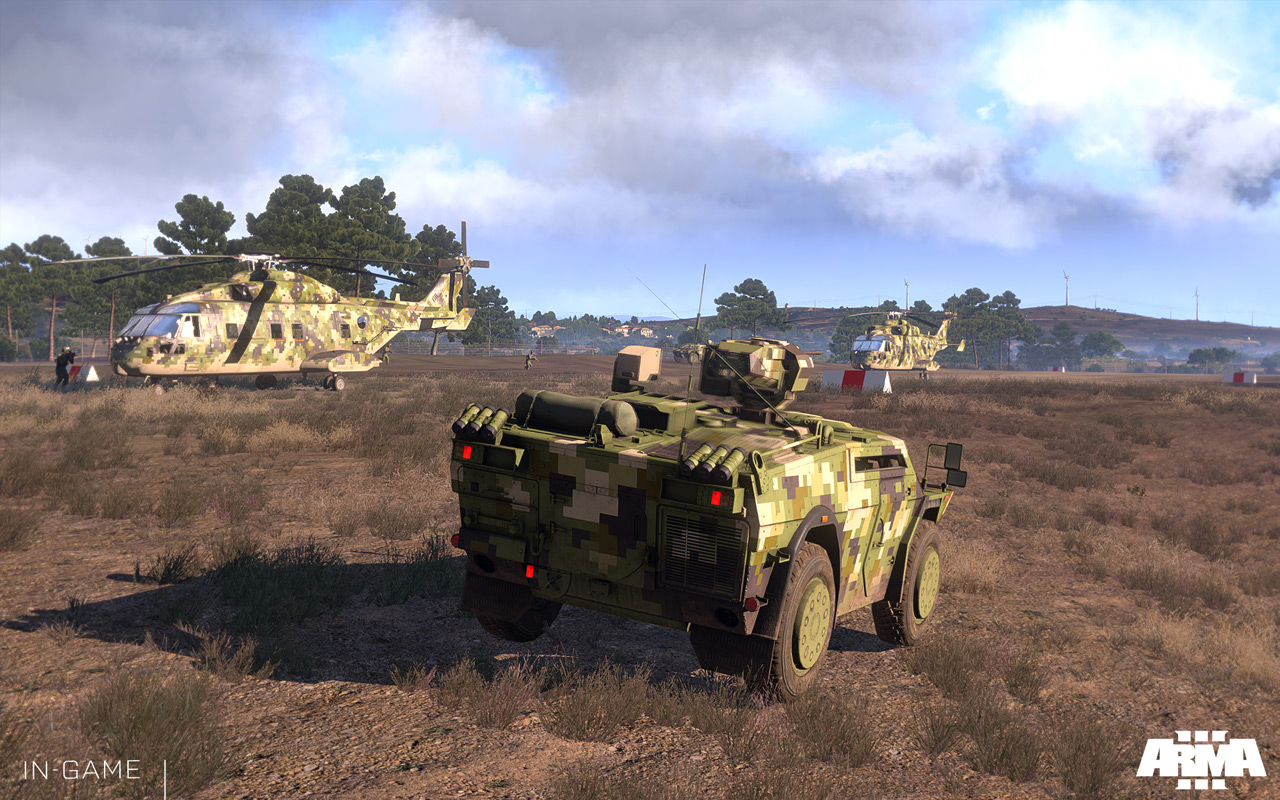
This game's ground textures often look very blurry & barren in many areas regardless of GPU used because of how it was designed.

1Ultra_03.jpg

arma3_screenshot_36.jpg

5Ultra_01.jpg

arma3_screenshot_15.jpg

arma3_screenshot_14.jpg


In areas with less demands, you should be hitting 60 fps:
https://www.youtube.com/watch?v=aEiknMpglao

In heavy areas, you may need to turn down details from Ultra to Very High.
 
Yes hopefully changing cable will give some answers. I just noticed it also states the display mode is set to 32bit, why would that be the case?

What i find odd is the rhythmical pattern of the blurring, which as i said happens only when there is action going on.
 
Can you try another game to see if it does that? Otherwise you might have to make a gameplay video so we can see what you are talking about. Can you make a fraps video or "mirillis action demo" video?
 
Really sorry for the missed update, went on vacation and forgot about it...

Setting the blur options to 0 in the video settings did solve the issue. It certainly isnt an actual solution though and i still have no clue on whats the cause of the problem but I had no problems with such blurring in other games so far.

Thanks for all the answers, cheers.
 
What are your post -processing settings in Arma 3? I have all mine set to 0 apart from sharpen filter set to 200 as at default it is a blur fest. Enable caustics and HDAO too.
With these settings i can attest nothing looks blurry not even the ground.
For some reason developers seem to think that giving you options that blurs what you see in game is somehow a good thing.
Here a good guide for optimising the game's image quality http://www.hardocp.com/article/2013/10/02/arma_iii_video_card_performance_iq_review/1#.Vop5HBWLQ3w
Edit:I see you found this out yourself but it is a solution as the game actually gives you an option whether you want to play it blurred or not which I find utterly bizarre.
 
Try DP or HDMI, have you gamed on that monitor before or is it brand new?

HDMI limits you to 60Hz, so this would be a bad suggestion. DP though or dual-link DVI will let him hit 144.

Although I see he already bought a DP cable, which was his best option.
 
Back
Top