
-
We’re currently investigating an issue related to the forum theme and styling that is impacting page layout and visual formatting. The problem has been identified, and we are actively working on a resolution. There is no impact to user data or functionality, this is strictly a front-end display issue. We’ll post an update once the fix has been deployed. Thanks for your patience while we get this sorted.
You are using an out of date browser. It may not display this or other websites correctly.
You should upgrade or use an alternative browser.
You should upgrade or use an alternative browser.
1920x1080 monitors ..... why?
Page 5 - Seeking answers? Join the AnandTech community: where nearly half-a-million members share solutions and discuss the latest tech.

zerocool84
Lifer
1080p>*
You Lose, sorry.
I have a 1920x1080 monitor but I do want something taller but the only 1920x1200 monitors are much more expensive.

sandorski
No Lifer
I have a 1920x1080 monitor but I do want something taller but the only 1920x1200 monitors are much more expensive.
Portrait Mode

fatpat268
Diamond Member
yea but 1600x1200 resolution on a 19" crt is hardly clear, at that point you are blurring pixels.
I still remember the display I had on my old tablet pc.
12.1" - 1440x1050 resolution
I loved that display. Too bad you don't see resolutions like that on small screens... and if you do, they're pretty expensive.

FelixDeCat
Lifer
FelixDeCat
Lifer
http://www.anandtech.com/show/4196/nec-pa301w-review-the-baddest-30-inch-display
good god that is a monster
Glad Anandtech reviewed that. :thumbsup:
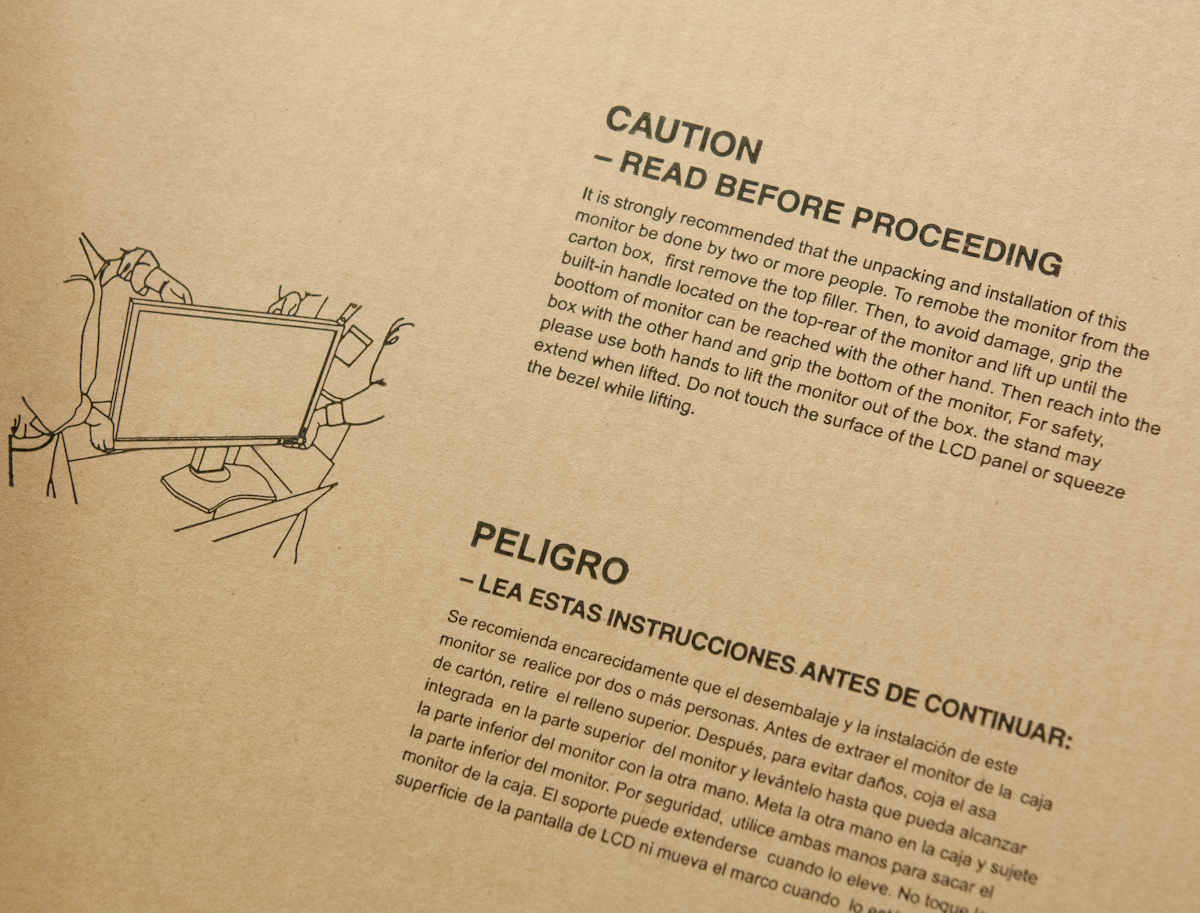
On to the hardware itself - the PA301w is seriously a beast. It's the biggest, baddest monitor around in terms of just sheer size. I don't usually start off talking about boxes, but there's just no other way to really demonstrate the magnitude of the PA301w's size without doing so.
Resolution - 2560 x 1600 D:
Price - $2300 to $2500! D:


ViRGE
Elite Member, Moderator Emeritus
It's not as if 16:9 monitors are actually wider though, they're merely shorter. A movie looks the same on either monitor. The shorter monitor is merely less useful.Since so many people are watching TV/Movies on their PC, it makes sense to use a standard HDTV resolution for your computer monitor.
1080P -> 1080P. 16:9 all the way.
BTW, the next great thing is not 1200P, its 2560x1440 or 1440P... and yes... it will be 16:9.

Anubis
No Lifer
yea but 1600x1200 resolution on a 19" crt is hardly clear, at that point you are blurring pixels.
😕 mine were always clear
hell i still have a 17in CRT that will do 1600x1200 @ 85HZ it looks steller
Ninjahedge
Diamond Member
Actually, ever since we switched to new Windows 7 boxes a few months ago, people seem to be getting better about this. They seem to have discovered the ability to make text and interface elements larger without dropping the resolution.
That makes up for a lot of the other campy stuff they have put on 7 to make it more "user friendly".
Amazing that nobody simply came up with a universal theme scaling tool....
Ninjahedge
Diamond Member
😕 mine were always clear
hell i still have a 17in CRT that will do 1600x1200 @ 85HZ it looks steller
Same here. At one of my last jobs, I kept my monitor over the 1280x1024 LCD monitors they were replacing everything with.
Somehow the coolness of an LCD was heavily outweighed by the lost desktop space....

yh125d
Diamond Member
It's not as if 16:9 monitors are actually wider though, they're merely shorter. A movie looks the same on either monitor. The shorter monitor is merely less useful.
Made this real quick

If both monitors are actually 24" viewable (not 23.6 viewable like some that are sold as 24" are, the 16:9 will be wider
And the difference in size between a 16:9 video on a matching monitor vs a shrunk 16:9 with bars on a 16:10 should be 9/16" horizontal and 5/16 vertical, or 5/8 diag.
Ninjahedge
Diamond Member
The question is not area, but desktop space. Pixels.
Also, the outer dimensions get more economical the closer you get to a square. You get more area for smaller actual out-to-out dimensions
Here's the breakdown:
16x10 @24" - 20.35" x 12.72" A=258.9in^2
16x9 @24" - 20.91" x 11.76" A=246in^2
So you lose 1/2" in width on a 16x10 and gain 1" in height, 13in^2 in area and 230,400 pixels.
Also, the outer dimensions get more economical the closer you get to a square. You get more area for smaller actual out-to-out dimensions
Here's the breakdown:
16x10 @24" - 20.35" x 12.72" A=258.9in^2
16x9 @24" - 20.91" x 11.76" A=246in^2
So you lose 1/2" in width on a 16x10 and gain 1" in height, 13in^2 in area and 230,400 pixels.

dpodblood
Diamond Member
I would agree 100% that 1920x1200 is much better for productivity work. That said for gaming I think 16:9 is perfectly fine. Whether 16:9, or 16:10 is technically better depends entirely on the specific title. But, because most games today are merely console ports, they are mostly designed with 16:9 in mind. Personally I wouldn't mind having a 1200p monitor, but cost makes it pretty restrictive. Not to mention if you want to have a 120Hz monitor good luck finding one that's 1200p.
yh125d
Diamond Member
The question is not area, but desktop space. Pixels.
Also, the outer dimensions get more economical the closer you get to a square. You get more area for smaller actual out-to-out dimensions
Here's the breakdown:
16x10 @24" - 20.35" x 12.72" A=258.9in^2
16x9 @24" - 20.91" x 11.76" A=246in^2
So you lose 1/2" in width on a 16x10 and gain 1" in height, 13in^2 in area and 230,400 pixels.
Visualized


Ninjahedge
Diamond Member
So did your avatar after losing a bit of his own...
I don't think he was too happy with it though. He knew that hot chick with the bow would NEVER like him now.
I don't think he was too happy with it though. He knew that hot chick with the bow would NEVER like him now.

TheLonelyPhoenix
Diamond Member

FelixDeCat
Lifer
yh125d
Diamond Member
Dont forget the other direction. 😡
There isn't anything else to show, except physical size. That GIF is intended to show the considerable differences in horizontal FOV. The vertical FOV doesn't change, you don't see anything more. Its just that what you see is rendered across more pixels. With 16:9, you do see more.

AstroManLuca
Lifer
There isn't anything else to show, except physical size. That GIF is intended to show the considerable differences in horizontal FOV. The vertical FOV doesn't change, you don't see anything more. Its just that what you see is rendered across more pixels. With 16:9, you do see more.
Depends on the game. Some older games created a widescreen mode by just chopping off the top and bottom (the first Halo game did this).

busydude
Diamond Member
Depends on the game. Some older games created a widescreen mode by just chopping off the top and bottom (the first Halo game did this).
Yes, there are different ways a game can be developed, but these days almost all games are aspect ratio dependent and not resolution dependent.
http://www.widescreengamingforum.com/wiki/FAQ#Screenchange

13Gigatons
Diamond Member
2560 x 1440 would be great if it didn't cost $1000.
I still remember the display I had on my old tablet pc.
12.1" - 1440x1050 resolution
I loved that display. Too bad you don't see resolutions like that on small screens... and if you do, they're pretty expensive.
Which tablet is this?
TRENDING THREADS
-
 Discussion Zen 5 Speculation (EPYC Turin and Strix Point/Granite Ridge - Ryzen 9000)
- Started by DisEnchantment
- Replies: 25K
-
Discussion Intel Meteor, Arrow, Lunar & Panther Lakes + WCL Discussion Threads
- Started by Tigerick
- Replies: 25K
-
 Discussion Intel current and future Lakes & Rapids thread
- Started by TheF34RChannel
- Replies: 24K
-

-
