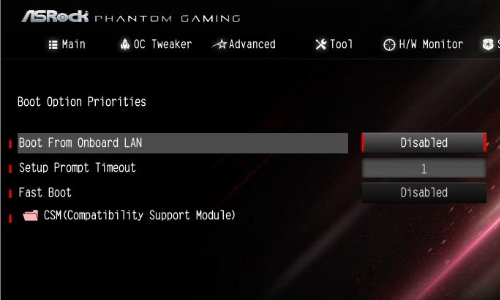
I am attempting a clean fresh install of Windows 11. I made the required USB to do the clean install.
Here is the problem: I am trying to access the boot order setting in the BIOS, but I am not able to get to the setup. I'm running an ASRock B550 Phantom Gaming 4 (AM4), and the manual says to press either the F2 key or the DEL key during the POST. However, the computer seems to ignore both of those keys and just boots right into Windows. I have already tried another keyboard, but got the same result. Always boots right into Windows.
Please help troubleshoot this. I'm wondering if it will be necessary to format the C: drive, and then try again to enter the BIOS setup. I would rather not do that unless it it the best way to proceed. Thanks..............all suggestions appreciated.
Here is the problem: I am trying to access the boot order setting in the BIOS, but I am not able to get to the setup. I'm running an ASRock B550 Phantom Gaming 4 (AM4), and the manual says to press either the F2 key or the DEL key during the POST. However, the computer seems to ignore both of those keys and just boots right into Windows. I have already tried another keyboard, but got the same result. Always boots right into Windows.
Please help troubleshoot this. I'm wondering if it will be necessary to format the C: drive, and then try again to enter the BIOS setup. I would rather not do that unless it it the best way to proceed. Thanks..............all suggestions appreciated.