• We’re currently investigating an issue related to the forum theme and styling that is impacting page layout and visual formatting. The problem has been identified, and we are actively working on a resolution. There is no impact to user data or functionality, this is strictly a front-end display issue. We’ll post an update once the fix has been deployed. Thanks for your patience while we get this sorted.

Stupid windows. Multi monitor setup fubared

Red Squirrel

No Lifer
So at work I have 4 monitors, for no reason one of them was disabled when I came in today. I had to log in and reenable it. Then the order screwed up and it refused to be set back the way it was, it would just disable one of them again. I ended up having to physically rearange them.

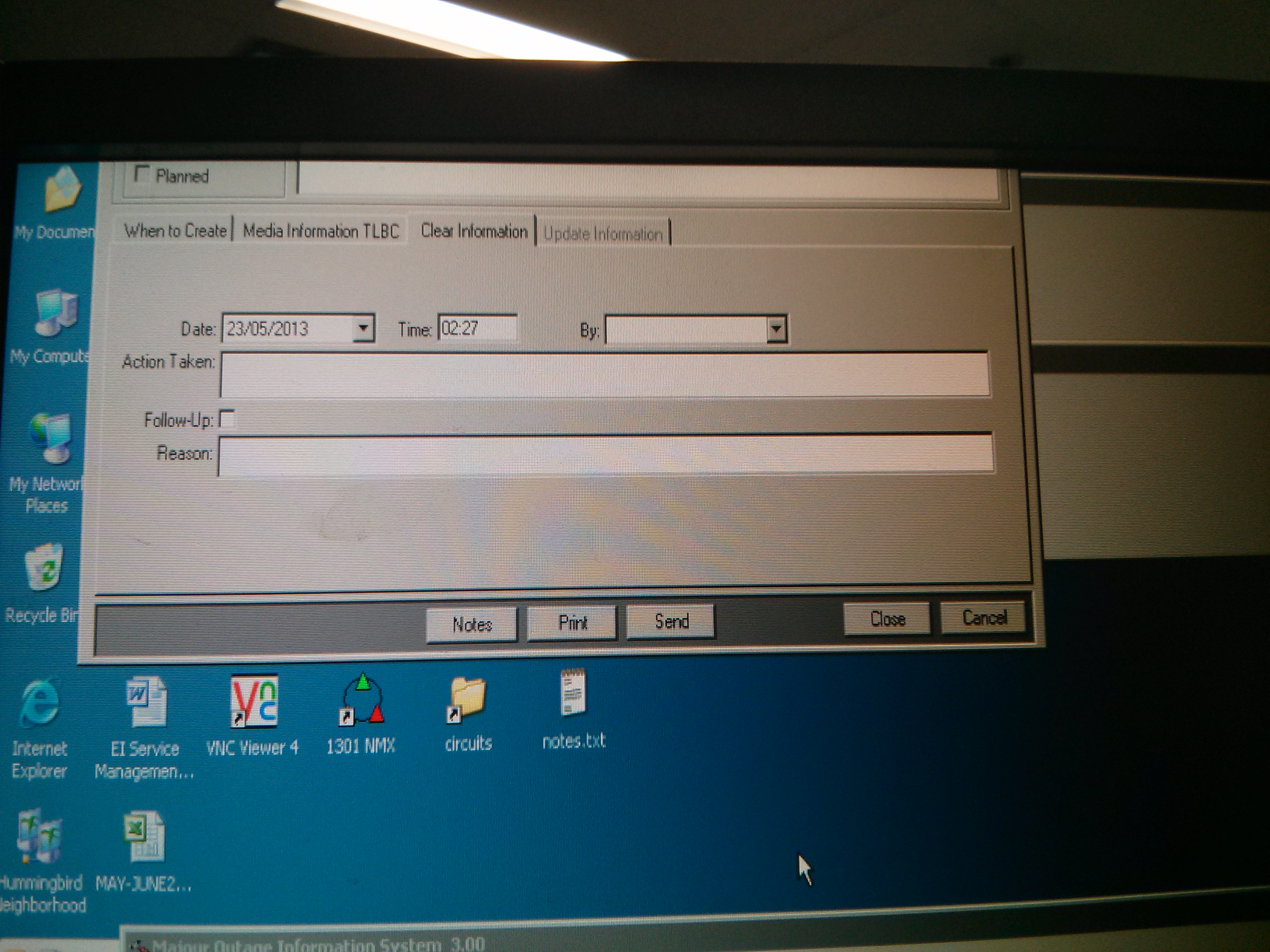
Now lot of apps are opening off screen, right on top. no access to the title bar. POS operating system. How the heck do I get to that window now?

Here's a "screenshot" to show what I mean: (not enough ram to actually do a full print screen)


Any way to get windows to stop doing that? Lot of programs are doing it now since this random screw up incident. I've seen this before too, actually. Linux can only do 2 monitors, windows can do more, but sucks at it... why can't anyone design an OS that can do multi monitor properly?
 
Last edited:
There's a few things that trigger windows to reset to a default position, trying to remember them.

Can you RDP into that machine from someone elses? It'll push all your open windows onto a single screen, typically into a default arrangement. You can move them around from there and then rearrange them when you get back. You could also disable all monitors but one, that might do it.

Are you using USB adapters for the 3rd and 4th monitor? Those things are hokey at best and always cause stuff like this to happen. Proper multi monitor support is really up to the video card and its drivers these days. It's gotten a lot better with Eyefinity/Nvidias whatever, but I doubt you've got a high end consumer GPU in an old XP workstation at work 🙂
 
No USB adapters thankfully but I have heard the nightmares those can cause. but its just a bunch of cheap video cards which probably does not help. What also does not help is all the different interfaces used. Some are DVI, some are VGA etc...

After opening and closing the app several times and moving one monitor up and down (which completely screwed up all my other windows temporarily) I was able to fix it. At least for that one program, but if I open any other program I did not open yet same will probably happen.

I will try the RDP trick if it happens again.
 
Windows is pretty terrible with multiple monitors and window positioning in general.

I find the WinMove autohokey command invaluable.
 
To move a window that is off-screen:
get the focus to that window (using taskbar) - from now on, use only the keyboard.
press Alt-spacebar (this brings up the window menu)
press 'm' (for Move)
use the cursor keys to move the window
when it's where you want, or at least the title bar is visible, press Enter.
Now you can touch the mouse again.
 
Back
Top