• We’re currently investigating an issue related to the forum theme and styling that is impacting page layout and visual formatting. The problem has been identified, and we are actively working on a resolution. There is no impact to user data or functionality, this is strictly a front-end display issue. We’ll post an update once the fix has been deployed. Thanks for your patience while we get this sorted.

Should I give Linux another try?

Doomer

Diamond Member
I dumped it 2 years ago for one reason and one reason only.

Slooooooow File transfers.

I spent days and days trying to sort this problem out and had to finally come to the conclusion that this was the way Linux was (Ubuntu at least).

All things being equal, Windows would transfer the same group of files 3 times as fast. And this was set in stone. No matter what I did it was the same.

I was never able to pinpoint the problem but got tons of suggestions but none of them had any effect. I even moved the Linux box to different locations and nothing had any effect.

So my question is, is Linux still dog slow transferring files?
 
Sounds like a configuration problem of some kind. If you want to, try it again and see. You can do it from a live session.
 
I dumped it 2 years ago for one reason and one reason only.

Slooooooow File transfers.

I spent days and days trying to sort this problem out and had to finally come to the conclusion that this was the way Linux was (Ubuntu at least).

All things being equal, Windows would transfer the same group of files 3 times as fast. And this was set in stone. No matter what I did it was the same.

I was never able to pinpoint the problem but got tons of suggestions but none of them had any effect. I even moved the Linux box to different locations and nothing had any effect.

So my question is, is Linux still dog slow transferring files?
Can you be a bit more specific? Was it one hard drive to another, or to an external hard drive?

Two years is a long time in the Linux world. You can use a live disc as lxskllr suggested.
 
I tried every combo imaginable and got the same results. Win to Win transfers over the network got about 100Mb/s, Linux to any network location got at max 30Mb/s. This was pretty much the same across the board. I'll try a live CD and see what I get, thanks.

Ixkllr, it could very well have been a configuration problem, I'm far from being a Linux guru but in the end I wasn't able to find a solution even tho I spent days looking and asking on every forum I could think of.
 
Ixkllr, it could very well have been a configuration problem, I'm far from being a Linux guru but in the end I wasn't able to find a solution even tho I spent days looking and asking on every forum I could think of.

Could be a squirrelly nic as far as drivers go. You gotta figure much of the internet is driven by Linux. That wouldn't be the case if there was something inherently wrong with its' networking.
 
I have used various versions of Ubuntu at home for about 6-7 years now. File transfer seems to be pretty much the same speed as my Win7 pc at work.
 
I would bet a bad driver or bad hardware support.

Without knowing what your hardware is i would bet that you could safely install any Linux flavour and be very happy with file transfers. I'm running Ubuntu 13.10 on some of the latest hardware and it''s running extremely well.

All my servers are running on Ubuntu. The exception being my file server on Windows 2012. Either way I've never encountered slow transfer speeds when transferring files to and from my Linux servers, quite the opposite, I get very nice and stable speeds capping out Gigabit ethernet.

I would definately give Linux another go if you're keen.
 
OK, just finished loading the Latest version of Ubuntu and spent a couple of hours making it usable. I had to fight it every step of the way. For example, I don't remember it being a major hassel setting up a Samba share. i don't remember having to set set up a Samba userf and PW before it would work. The list goes on and on but I'll degress. I now have it where it's usable but I haven't done any file tranfers yet. I have one more issure to overcome. I'm not really happy with unity. The buttons on the side are distracting and I'd rather they not be there. And I'd prefer a regular start button that organizes things. Any suggestions as to which is the best?

I also just noticed that Firefox doesn't have a spell checker. Is there an addon?
 
OK, just finished loading the Latest version of Ubuntu and spent a couple of hours making it usable. I had to fight it every step of the way. For example, I don't remember it being a major hassel setting up a Samba share. i don't remember having to set set up a Samba userf and PW before it would work. The list goes on and on but I'll degress. I now have it where it's usable but I haven't done any file tranfers yet. I have one more issure to overcome. I'm not really happy with unity. The buttons on the side are distracting and I'd rather they not be there. And I'd prefer a regular start button that organizes things. Any suggestions as to which is the best?

I also just noticed that Firefox doesn't have a spell checker. Is there an addon?

If you don't like Unity you might be better off running Kubuntu or Mint. If you are looking for a Windows-like interface, you can always install KDE on top of your existing Ubuntu installation also.
 
If you don't like Unity you might be better off running Kubuntu or Mint. If you are looking for a Windows-like interface, you can always install KDE on top of your existing Ubuntu installation also.
You can install Cinnamon on your Ubuntu install as well.
 
Yep, apparently it installs every English dictionary available and then selects none of them. I selected US English and all is well.

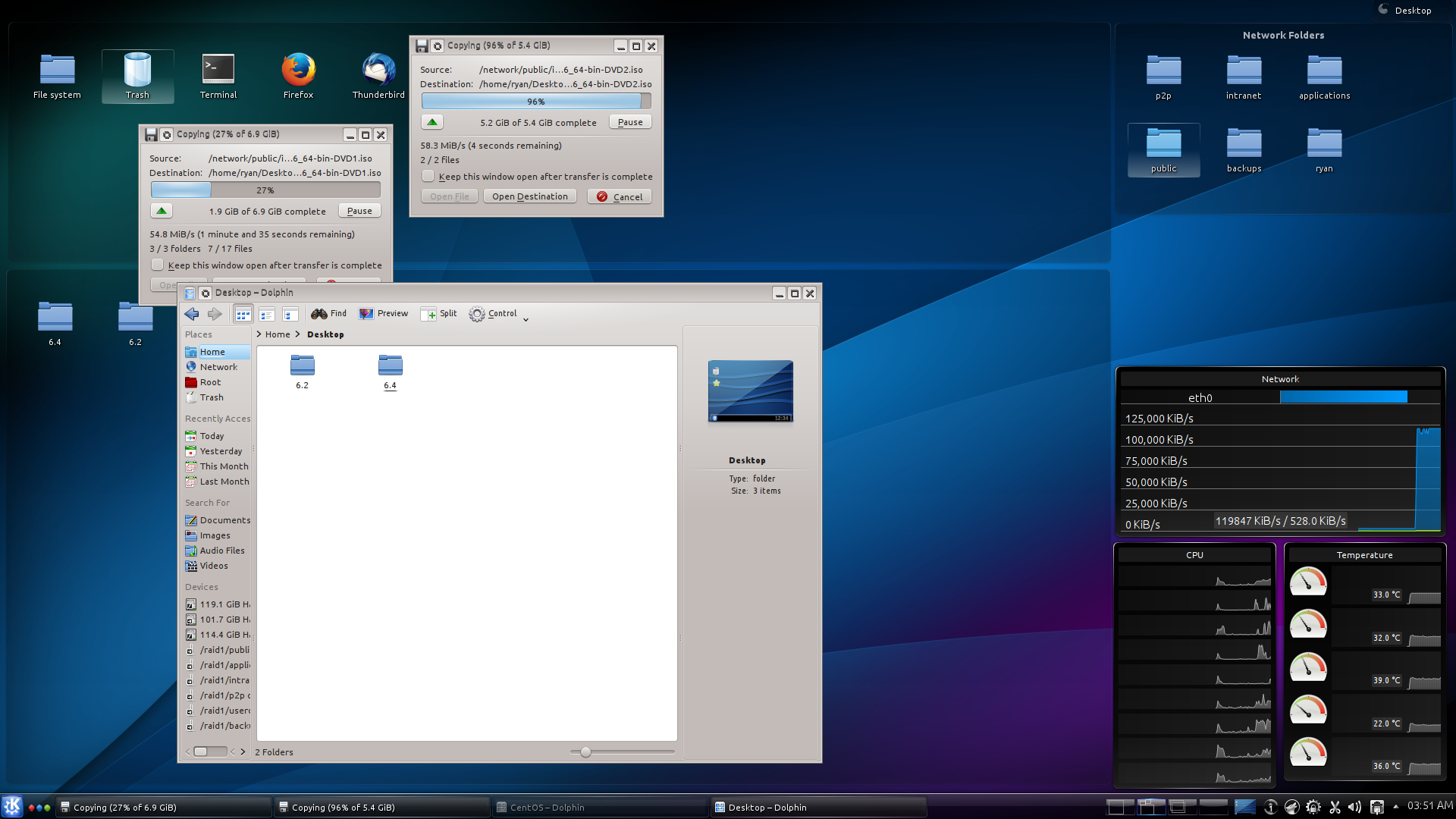
I saw where Kubuntu Desktop was available. Gonna give it a try.

Just did a small file transfer and got between 80 and 100 MB/s so all is well.

Thanks
 
Actually I noticed the spellcheck thing too in Kubuntu, oddly was ok in Xubuntu. I have to manually select the language each time and it will last for that session.

As for file transfers it may have been another issue as I actually find transfers are just as fast as my network can go.

 
I dumped it 2 years ago for one reason and one reason only.

Slooooooow File transfers.

I spent days and days trying to sort this problem out and had to finally come to the conclusion that this was the way Linux was (Ubuntu at least).

All things being equal, Windows would transfer the same group of files 3 times as fast. And this was set in stone. No matter what I did it was the same.

I was never able to pinpoint the problem but got tons of suggestions but none of them had any effect. I even moved the Linux box to different locations and nothing had any effect.

So my question is, is Linux still dog slow transferring files?


Network file transfers?

I'm in your same boat, wanted to try linux again and tested quite a bit of distros (open suse, fedora, ubuntu 12.04 and 13.10, xubuntu 13.10).

My pick was debian testing, it's updated and more stable than bleeding edge distros and was the only one with a working bluetooth stack (rfkill on boot didn't work on any of them, had to blacklist the freaking bluetooth driver to avoid the automatic bluetooth start).

Gnome shell has something of the good old mac osx exposè that I missed all these years with windows 7, unity sucks btw.

What hardware are you running? I needed a bit of work on each distro having an hp laptop with an unsupported gpu (unsupported by the proprietary amd driver).
 
My pick was debian testing, it's updated and more stable than bleeding edge distros and was the only one with a working bluetooth stack
confused2.gif


What hardware are you running? I needed a bit of work on each distro having an hp laptop with an unsupported gpu (unsupported by the proprietary amd driver).

You'll need to use the open source driver. If you're running the 3.11 kernel you also have power management. You'll need to pass a parameter to the kernel at bootup however.
 
confused2.gif


You'll need to use the open source driver. If you're running the 3.11 kernel you also have power management. You'll need to pass a parameter to the kernel at bootup however.


Ubuntu is created from debian unstable and then they tweak it a bit, ubuntu 13.10 is more bleeding edge than debian testing.

Ubuntu is on 3.11, testing on 3.10 (no boot option yet).

Fedora feels like beta software (the installer crashed on me twice while partitioning), how do people put up with it.


Now if my epson printer would work and there was a way to use my modded dsdt (slower fan speeds) without recompiling the kernel it would be perfect.
 
Last edited:
Considering there are more than 1 distribution of linux and each has its own little hiccups, most of which are remedied fairly simply so long as you are familiar with the operating system.... Then I say yes 🙂
 
Yes you should. I just started Ubuntu 12.04 back up and it is a dream and understand why I love it so much.
 
Yeah, it sounds like either the network card was configured wrong (full vs half duplex) or it was using the wrong hard drive controller drivers (ATA vs SATA). Both would cause that slow transfer issue, and both were a common issue in older Linux distributions.

I would try again with a newer release. If you still see issues, let the forum know and we have some settings that you could double check.
 
Back
Top