Thanks. This MAY depend on where you have something plugged in to make sound.
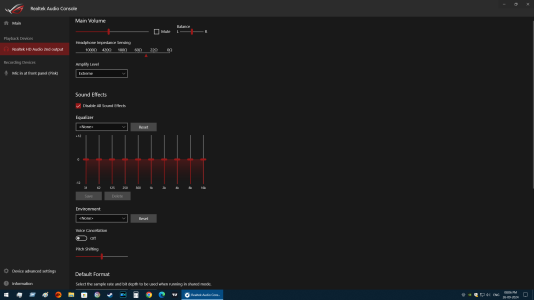
You are using the mobo's built-in audio system by Realtek. If you have speakers plugged into sockets on the mobo's rear panel I would not expect this problem. But if you are talking about plugging speakers or earphones into sockets on your front panel there MIGHT be an issue. The mobo system can send out audio signals through its front panel header to sockets on the front in either of two ways. One is an older standard called AC'97, and the other is a newer one called Azalia High-Definition Audio. These two differ somewhat in the details of how signals are connected to the sockets you plug you plugs into. If your case did not come with the right sockets system, you cannot use the Azalia option normally selected in BIOS Setup. So MAYBE setting the Realtek hardware to Enhanced tries to use one system, and the other system when NOT enhanced.
However, that should NOT be an issue with the sockets on your rear panel. Those will be designed to work with the features of your mobo audio system.

 Discussion Zen 5 Speculation (EPYC Turin and Strix Point/Granite Ridge - Ryzen 9000)
 Discussion Intel current and future Lakes & Rapids thread
