
Blazerun19
Junior Member
Some websites give me the "this site cannot be reached" despite being marked as safe on TrendMicro. On other networks outside of my care home they work just fine. I tried changed DNS settings to 4.4.4.4 and 1.1.1.1 on my PC and Ipad and it didn't work. I wonder if it is the result of Home Shield, or the router is the cause.
The Tp-link Deco x55 pro is connected to an old Videotron routeur from 2014. Is it due to its parental controls or what?
Sorry, I don't have control of the internet. It's the people handling my care home who handle it.
Ip Adress: 192.168.0.152
IPv4 DNS servers:
192.168.0.1
24.201.245.77
24.200.243.189
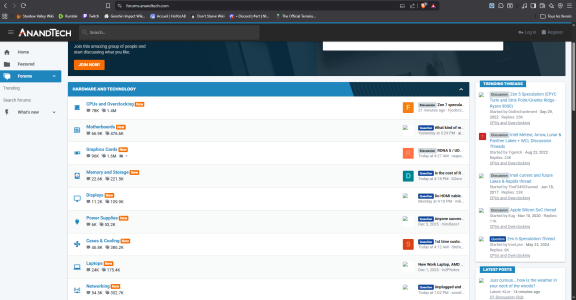
Also the profile images don't load properly on this site, even the previews of my attachements. This must be another effect of the router?
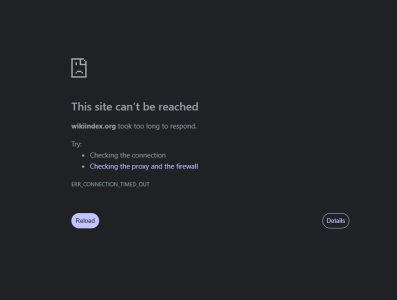
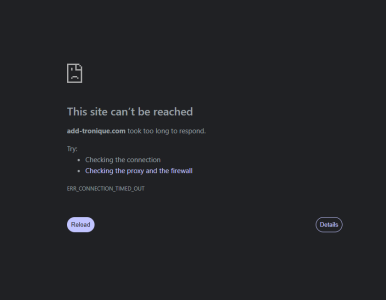
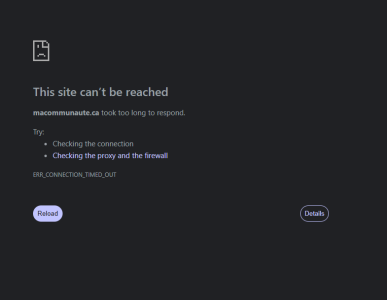
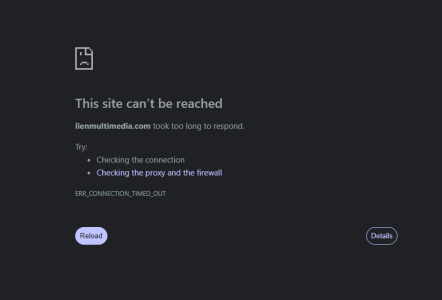
Here are some of the websites and the routeur.
Does going to certain websites trigger this on the router?
UPDATE: Everything seems to be working fine for now.
But again, is it by going to certain websites that triggers this phenomenon?
Update2: this problem is back on.

The Tp-link Deco x55 pro is connected to an old Videotron routeur from 2014. Is it due to its parental controls or what?
Sorry, I don't have control of the internet. It's the people handling my care home who handle it.
Ip Adress: 192.168.0.152
IPv4 DNS servers:
192.168.0.1
24.201.245.77
24.200.243.189
Also the profile images don't load properly on this site, even the previews of my attachements. This must be another effect of the router?
Here are some of the websites and the routeur.
Does going to certain websites trigger this on the router?
UPDATE: Everything seems to be working fine for now.
But again, is it by going to certain websites that triggers this phenomenon?
Update2: this problem is back on.
Last edited:


