
• We’re currently investigating an issue related to the forum theme and styling that is impacting page layout and visual formatting. The problem has been identified, and we are actively working on a resolution. There is no impact to user data or functionality, this is strictly a front-end display issue. We’ll post an update once the fix has been deployed. Thanks for your patience while we get this sorted.

Question Laptop powers on but no display

NoConclusion76

Junior Member
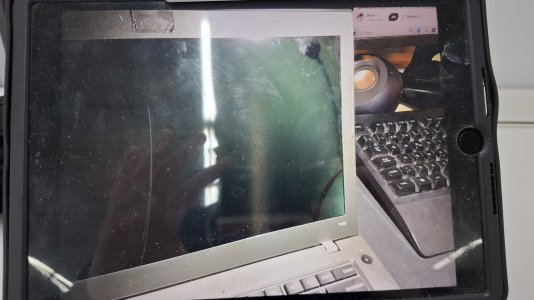
I bought a broken thinkpad (T450) from a flea market and I want tl fix it. The thing powers on, the fans and everything but the screen. The display remakns black and when I try to connect it to a separate monitor via VGA, there it says 'no signal' too. Any ideas of what could be wrong?

Pd: I've already checked both CMOS battery and RAM and they work fine
 

Attachments

  • 17398847371214149188902612144568.jpg
    17398847371214149188902612144568.jpg
    1 MB · Views: 1
The graphics for that model is supported in-processor (ie, by the CPU) and shows as either Intel HD 4400 or 5500,

Try a hard reset.

2. Hard Reset:

-Power Down: Turn off the laptop completely, unplug the AC adapter, and remove the battery.
-Hold Power Button: Press and hold the power button for 20 seconds to discharge any residual power. (Note: Some models have reset hole with red button on underside that must be pressed using a wire such as a paperclip, so check for that first.)
-Reassemble: Reconnect the battery and AC adapter and power on the laptop.

Also, with laptop opened, inspect for any loose connections. Check for any burnt components on the MB.

If you like the laptop, you can purchase a used replcement MB for that model as low as $49.


Good luck
 
Back
Top