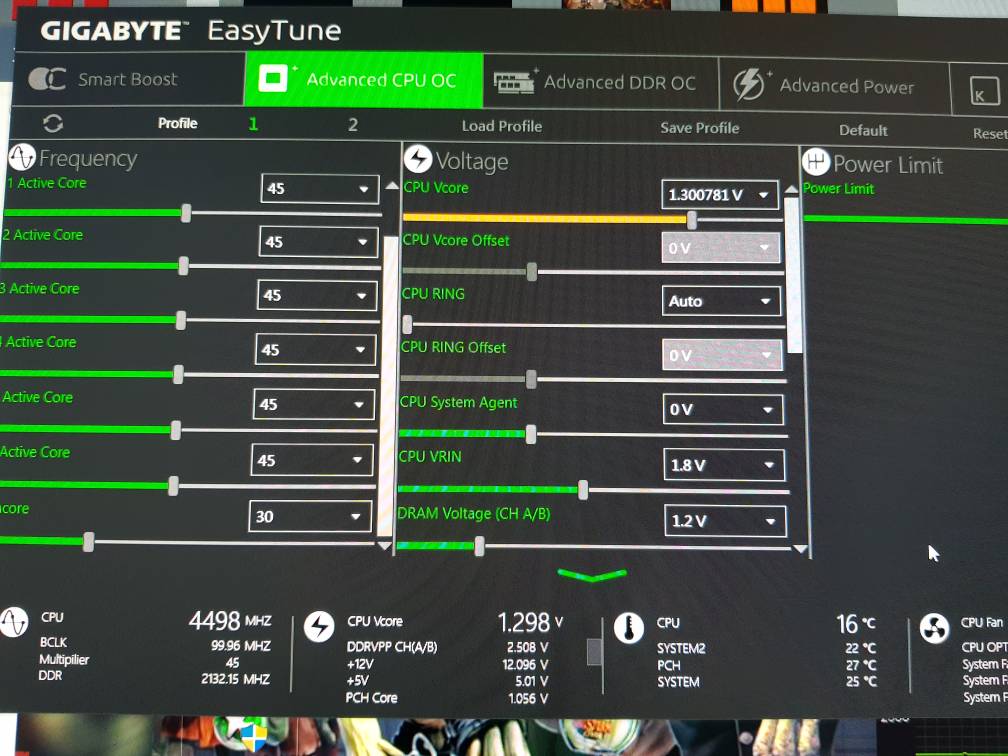
Each CPU can have nuance differences from manufacturing, so not all CPUs, even of the same model, are exactly the same. So you can't really copy exactly what someone else is doing with their OC and expect that it'll work in exactly the same fashion.
You could run something like Intel Burn Test, an extremely demanding test that'll make a lot of instabilities show their face in a matter of minutes. It's certainly not a full proof test, however, as different software stresses different parts of a CPU in different ways. You could try Folding@Home for a couple of days as part of your testing 😛 Team 198 (Anandtech) would love you for saying hi.
Usually, when people run Intel Burn Test, they are monitoring their CPU temps throughout the test. I'd recommend you do so if you're going to run the test so you'll have an idea of what temps your CPU is hitting under those stresses.
The only one who can be the judge of an OC'd CPU being stable is the one(s) using that computer. Does it crash? Does it corrupt data?