• We’re currently investigating an issue related to the forum theme and styling that is impacting page layout and visual formatting. The problem has been identified, and we are actively working on a resolution. There is no impact to user data or functionality, this is strictly a front-end display issue. We’ll post an update once the fix has been deployed. Thanks for your patience while we get this sorted.

Info Firefox 114 Released

In FF, is there some way to clear any cookies set by a particular website on closing its display tab?? Curious.
Looking for a "Close with vengeance" option.

Or is that functionality only present in the separate Private browsing FF window?

Because sometimes you don't think to open a new link in a new private window. It's only after visiting the site that you realize you don't want cookies stored. Some sites you want them to think you're a new visitor EVERY time.
( I mean sure, you could go to "Clear History" and delete any record of the last hour, but hey, you've visited other sites too in that last hour and maybe don't want to trash their cookies)
 
Last edited:
In FF, is there some way to clear any cookies set by a particular website on closing its display tab?? Curious.
Looking for a "Close with vengeance" option.

Or is that functionality only present in the separate Private browsing FF window?

Because sometimes you don't think to open a new link in a new private window. It's only after visiting the site that you realize you don't want cookies stored. Some sites you want them to think you're a new visitor EVERY time.
( I mean sure, you could go to "Clear History" and delete any record of the last hour, but hey, you've visited other sites too in that last hour and maybe don't want to trash their cookies)
There used to be an add-on called self destructing cookies but that's no longer supported or gone. You might be able to find something similar by searching add-ons.


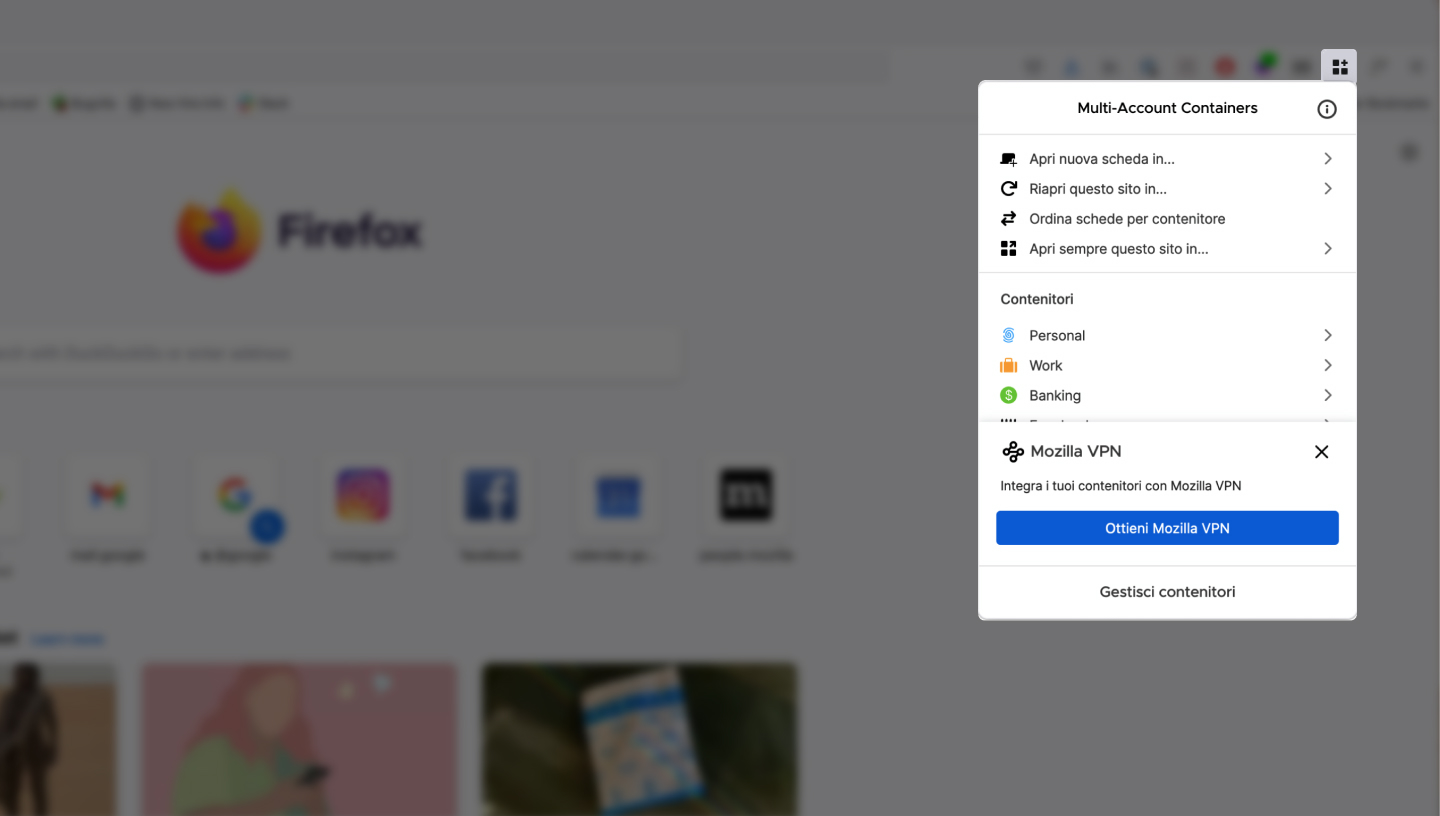
You could isolate the tab from other tabs with firefox multi-account containers. You should be able to make a certain site always open in a specific container. If that site is facebook they make a specific container add-on for it.


You don't have to clear all your cookies from the last hour. You can manually clear the offending cookie/s in settings-privacy and security - cookies and site data - manage data.
 
In FF, is there some way to clear any cookies set by a particular website on closing its display tab?? Curious.
Looking for a "Close with vengeance" option.

Or is that functionality only present in the separate Private browsing FF window?

Because sometimes you don't think to open a new link in a new private window. It's only after visiting the site that you realize you don't want cookies stored. Some sites you want them to think you're a new visitor EVERY time.
( I mean sure, you could go to "Clear History" and delete any record of the last hour, but hey, you've visited other sites too in that last hour and maybe don't want to trash their cookies)


I believe the Cookie Autodelete addon may do what you are asking -

 
Back
Top