• We’re currently investigating an issue related to the forum theme and styling that is impacting page layout and visual formatting. The problem has been identified, and we are actively working on a resolution. There is no impact to user data or functionality, this is strictly a front-end display issue. We’ll post an update once the fix has been deployed. Thanks for your patience while we get this sorted.

File server build

Red Squirrel

No Lifer
Still waiting for the rest of the components. Can't wait to do this build!


Wont be filling all those drive bays mind you, but I plan for this to last me a very long time so I have tons of room for expansion. Basically building a NAS/SAN. Going to treat it more like a SAN though, it will have it's own switch and the servers most likely will have a dedicated nic for it.
 
Last edited by a moderator:
1. Wrong Forum

2. With the high speed internet these days, one does not really need to store p0rn...

3. Oh look a cat, how adorable... awww....
 
Only got 4 drives for it + SSD for OS, but I will be moving my 9 drive raid 5 over to it from my main server once this is live and tested. My next purchase will be a new beefier server for VMs but that will wait a bit as this project alone is around $3,500. I went a little over budget. 😛 Originally I wanted a 16 bay case and go with like an Atom based system, then I figured, what the hell, go big or go home. Going to be a Xeon based system with ECC ram and whole shebang. Case alone is a grand.
 
Which SC846? I also bought an SC-846 setup for my home. Running a Nexenta Storage SAN system over Infiniband to a separate VM box.

I'm currently using the CSE-846BE16-R920B chassis (single port SAS Expander backplane as opposed to the TQ which is 24 Sata ports).

I use 2 SSD's in a mirror config for boot, 2 SSD's in a mirror config (25% spare area) as a ZLOG, 2 128GB SSDs (96GB per SSD) for Cache, and 6 3TB Seagate SATA drives in a mirrored stripe configuration (3 sets). That all connects for NFS, and SMB shares. Then there's LUN's to my VM box over a 4x DDR Infiniband connection.

Remember, if you're really connecting it all as a central storage array, get yourself a UPS, a Pure-sine wave UPS.
 
This is the one I got:

http://www.newegg.ca/Product/Product...82E16811152527

And 3 IBM M1015 cards.

UPS I got covered. :biggrin:


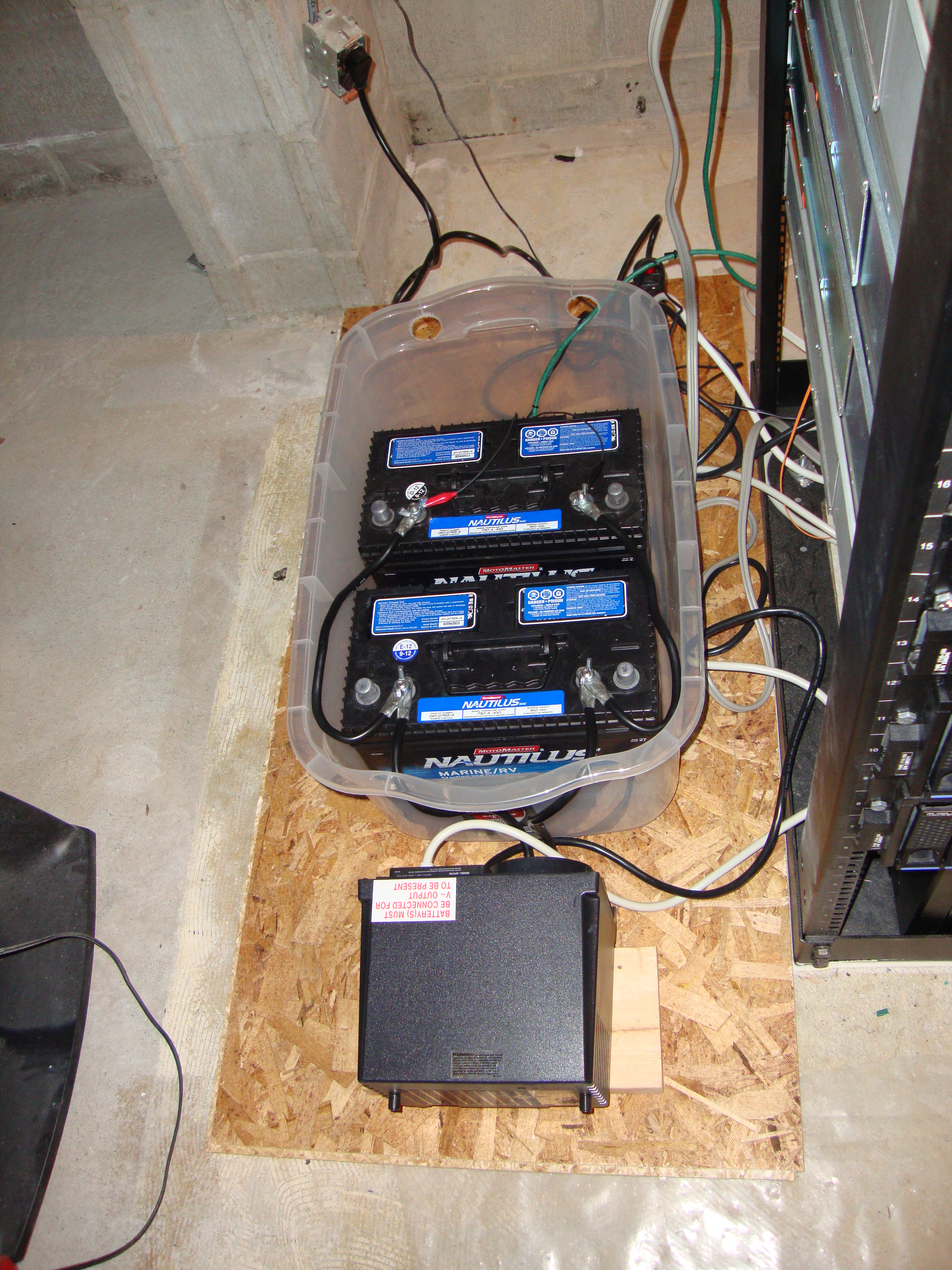
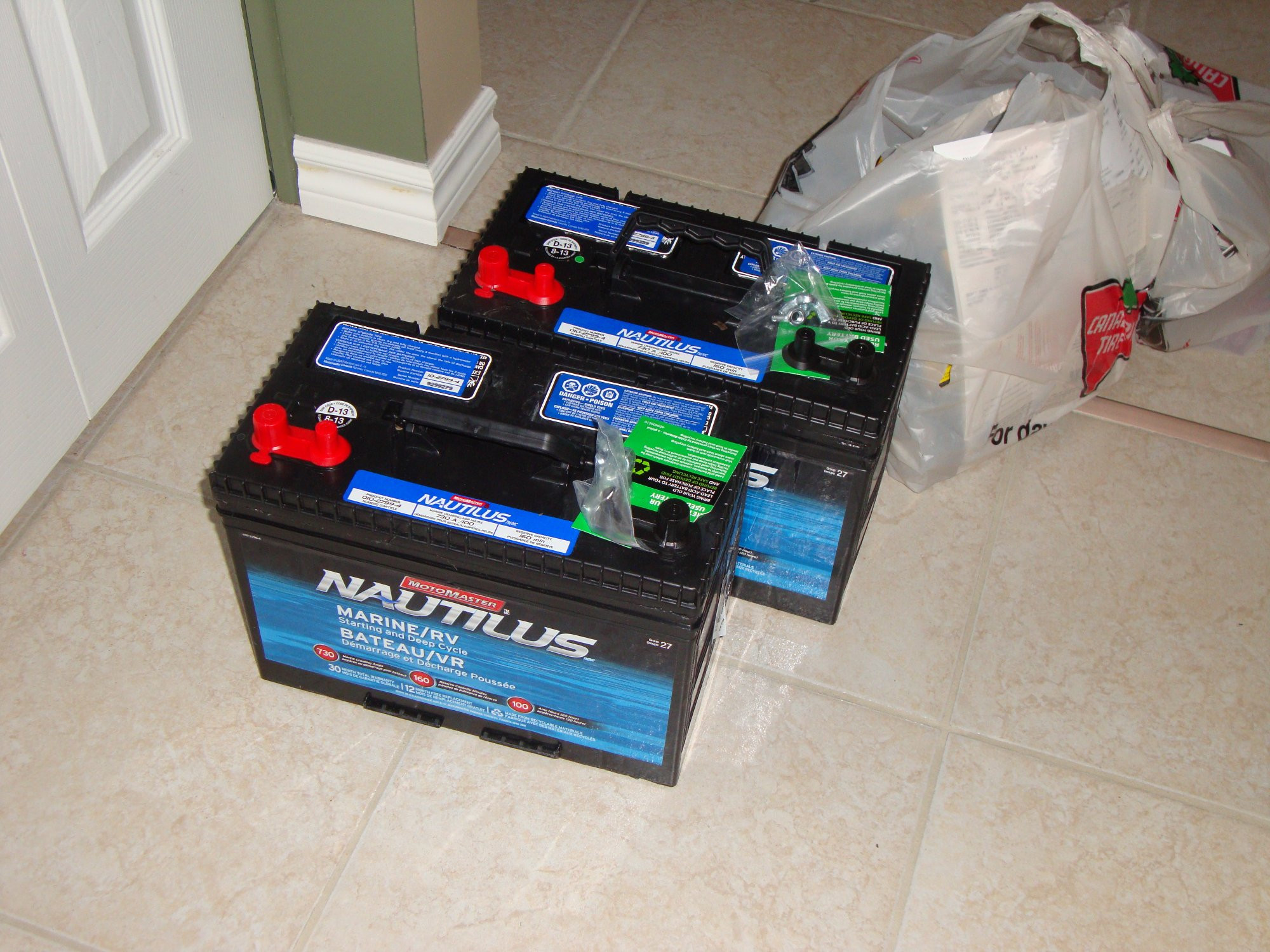
Tripp Lite inverter charger. It's not pure sine wave though but it's stepped sine wave, so it's still better than modified sine wave (which is basically just square wave).

And some expansion to be added later once I'm done my basement/server room renos:


Though eventually I want to look into a 48v dual conversion setup. Can't find much online as far as rectifiers go though. Inverters are plentiful.

I'll be building a proper battery rack as well and buying the tools to make my own cables so I can put the actual power equipment in the server rack and not glued to the batteries like that. We get lot of extended power outages here because of all the road construction in the area, so I need long run time. Eventually I want to invest in a generator.
 
Direct SAS, tons of internal bandwidth. What kind of internals are you planning on? Non-supermicro boards can be a real pain in there.

I know what you mean about budget. My entire Rack, Storage, and VM buildout project wound up costing just a little south of 10 grand. Totally awesome though!
 
Right now I'll only be throwing in my existing 1TB WD blacks and I also bought 4 3TB Toshibas for kicks, to make another array.

This is all the hardware going in:

Chasis:
SUPERMICRO SuperChassis CSE-846A-R1200B Black 4U Rackmount Server Case 1200W Redundant
http://www.newegg.ca/Product/Product...82E16811152527

3x Sata card:
IBM ServeRaid M1015 (will flash to LSI9211-IT)
http://www.ebay.ca/itm/IBM-ServeRai...sk_Controllers_RAID_Cards&hash=item485511bfbb

6x SAS cable:
Norco C-SFF8087-D SFF-8087 to SFF8087 Internal Multilane SAS Cable
http://www.ncix.com/products/?sku=48800

CPU:
Intel Xeon E3 1230 V2 Quad Core Processor 3.3GHZ 8MB LGA1155 69W Retail Box
http://www.ncix.com/products/?sku=74987&vpn=BX80637E31230V2&manufacture=Intel Server Products

Mobo:
Supermicro MBD-X9SCM LGA1155 C204 DDR3 ECC 6SATA 4PCIE 2GBE IPMI 9USB2.0 mATX Motherboard
http://www.ncix.com/products/?sku=81833

Ram:
Supermicro MEM-DR380L-HL01-EU13 8GB DDR3-1333 240PT 1.5V DIMM CL9 ECC Server Memory
http://www.ncix.com/products/?sku=79451

SSD for OS:
Samsung 840 Series 120GB 2.5in SATA3 MDX Solid State Disk Flash Drive SSD
http://www.ncix.com/products/?sku=77210&promoid=1304


I'll be using Linux MD Raid as that's what I feel comfortable with. At some point I do want to experiment with ZFS though. Perhaps in the future if I build another one (lol, you know it's probably going to happen. 😛) then I may do ZFS.

I debated on using enterprise drives but consumer grade has been more or less ok, as long as they are kept spinning. In the future I may look at enterprise drives too. Chances are I will be building various arrays/LUNs on here so I can always experiment in the future. It will be a while till I fill all of this.

I eventually want to get more servers and setup a decent VM environment for production as well as lab stuff.
 
If you haven't bought your ram yet, g0dMAn has ecc udimms which are compatible with supermicro's x9sc* for much less than retail.
 
I bought 64GB of memory for my 2 boxes, but wish I had 64 more (32 is tight for VMWare, and since ZFS uses memory as its primary caches, more memory in there is always better).

Ideally I want 128GB (the max amount of fast memory my SAN board supports) in there, and likely the same amount in my VM box, though I think I could live with 64GB for quite some time.
 
Is there an advantage to lot of ram for storage? I went with just a single 8GB stick, but purposely chose 8 if I want to upgrade later. If I build a server to go with it I plan to load it up higher though. My current server has 8 and it's maxed out, so I'll live with that for now. No more monies to build another. 😛 Technically I could run VMs on the SAN itself but I rather leave it dedicated 100% for storage. I wont even put F@H on it.

Nice thing with dedicated storage too is my options are more open if I buy a server now as I don't have to care about the storage bays/capabilities. That's where places like Dell rape you.
 
It depends on what your storage Technology is. Traditional RAID systems don't use system memory for anything except the OS. However, virtualized storage systems like the ZFS file system uses memory as the first level of read caching (followed by the L2ARC on SSDs, and finally the raw storage array). The more memory you put into the machine, the more data that can be serviced from Memory instead of the storage array. At 32GB of memory and 192GB of SSD L2ARC cache, I'm at about 83% cache hit (which means, 83% of all read operations are able to come from the near functionally limitless bandwidth of the caches). With ZFS, more is always better!

EDIT: I ran BOINC on both my storage array and my VM array for 1 month. But with both containing a E5-2650 and the VM server containing a 5770 GPU, that month's power bill was outrageous, since I also take a hit from having an Online UPS (instead of Line-Interactive). Soooooo, I don't do BOINC on those boxes anymore 😛
 
Last edited:
Those hardwood floors are gorgeous!


Agreed!

.... not to get off topic... but Mixolydian, you're the first person I've ever met that actually collects street light collections. I remember many years ago pondering whether someone has ever done this. I now have stumbled upon the answer without Googling it 😛
 
Who doesn't pussy's & racks?

I hope i didn't go to far with this lame joke. If mod feels like taking this out, feel free to do so.
 
Quick update.

So everything is pretty much put together now. It's ready to go. I will wait till I'm done my basement renos before racking it though. Lot of dust down there right now, and given this is brand new may as well keep it clean.

Some more pics:


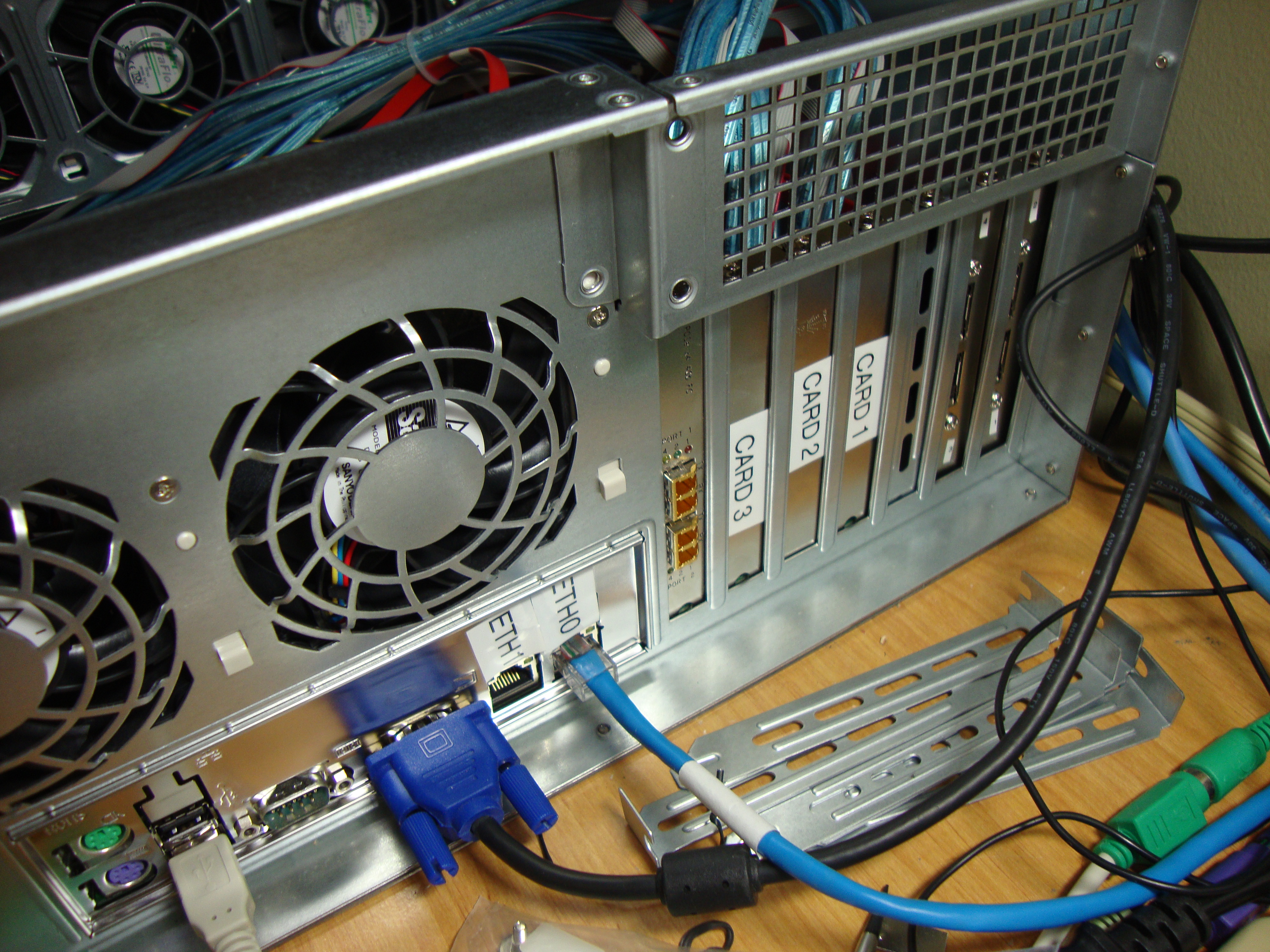
SAS cards + Fibre channel card (will control my existing FC SAN)


Back of server


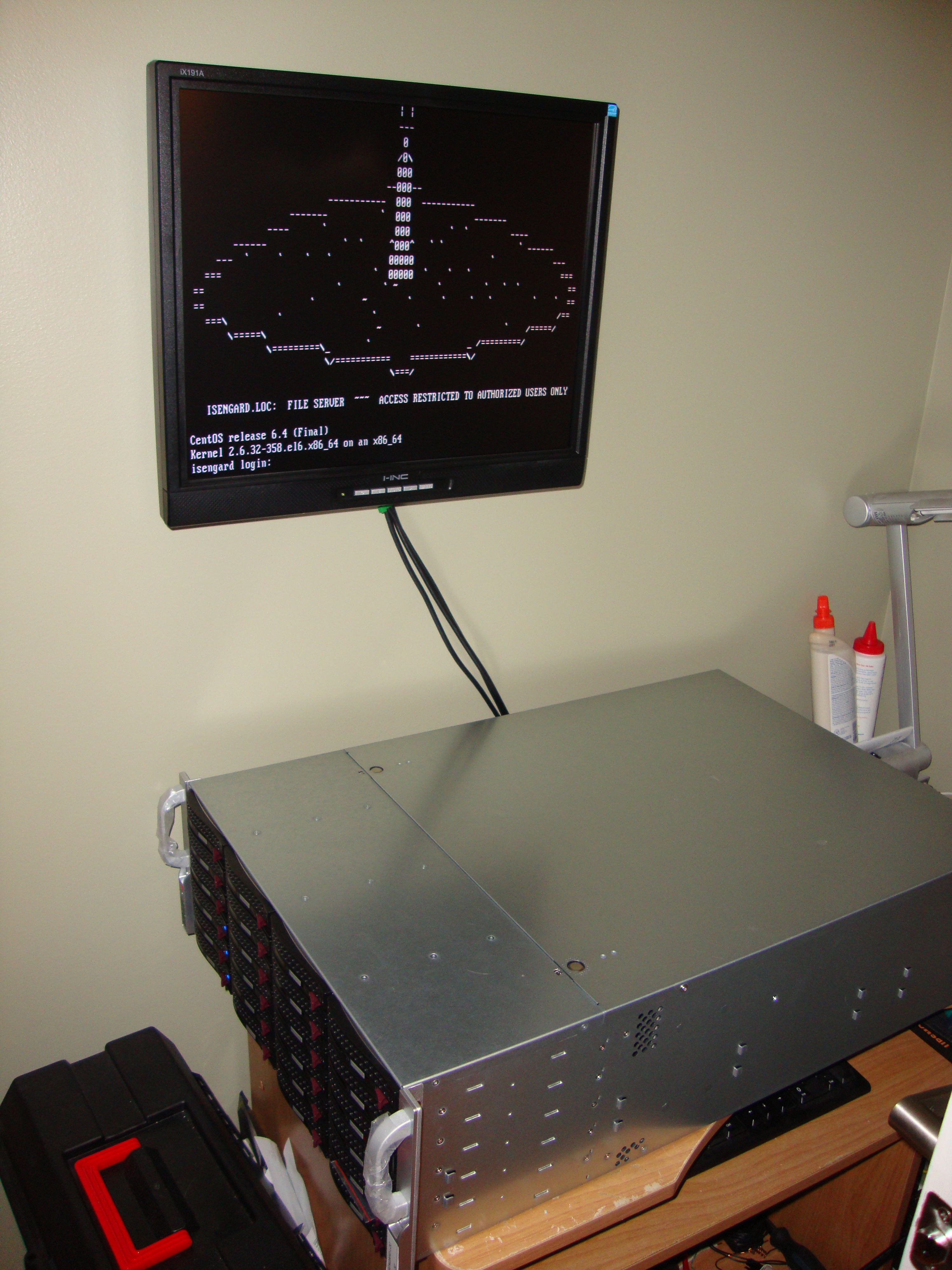
At login screen.

Using CentOS 6.4. The raid arrays will use Linux mdraid. I currently have a small raid array setup with 3 3TB drives. One of the drives failed so I'll have to RMA it. I'll use that particular array for backups probably, then transplant my existing array from the old server to this one and remap everything on the old server.

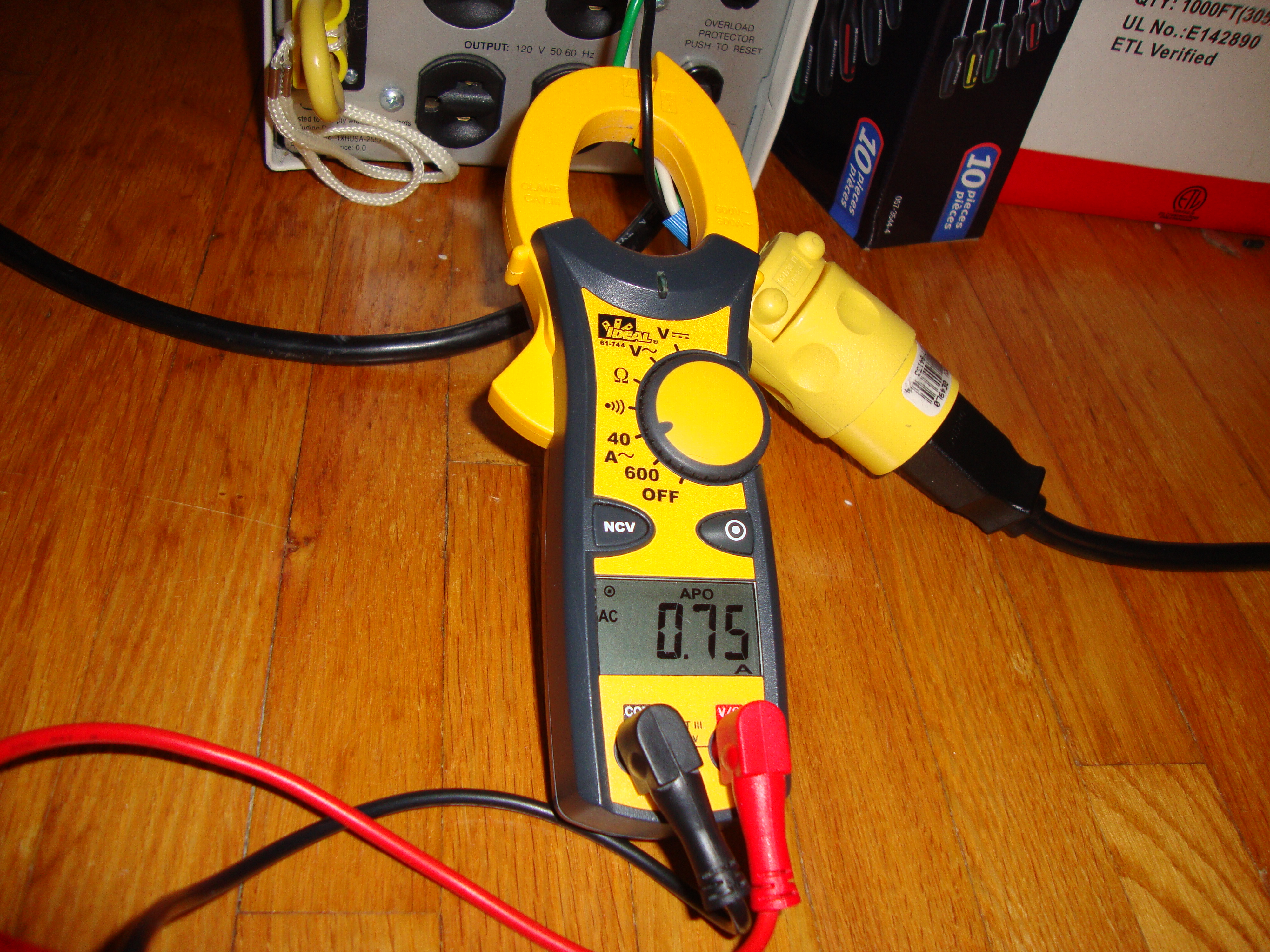
Power usage is also quite impressive, I figured it would be much more.


Voltage was 122 when I tested, so that make it about 90w or so.

I don't know how accurate that reading is though, as I'm not sure if my meter is true RMS or not.
 
Last edited:
Still waiting for the rest of the components. Can't wait to do this build!
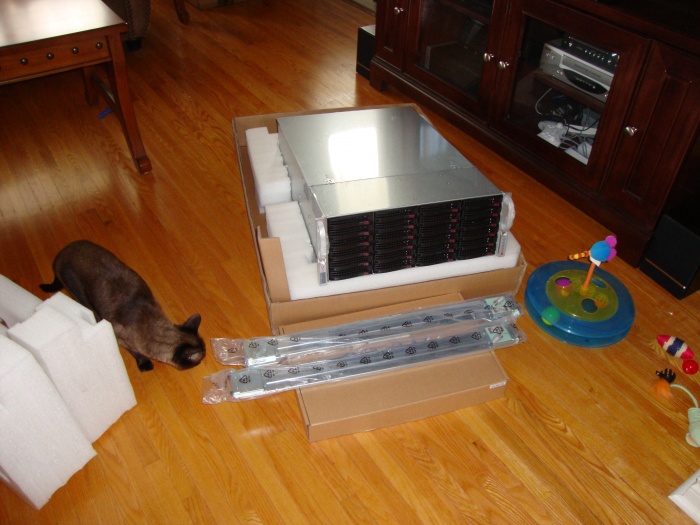


Wont be filling all those drive bays mind you, but I plan for this to last me a very long time so I have tons of room for expansion. Basically building a NAS/SAN. Going to treat it more like a SAN though, it will have it's own switch and the servers most likely will have a dedicated nic for it.
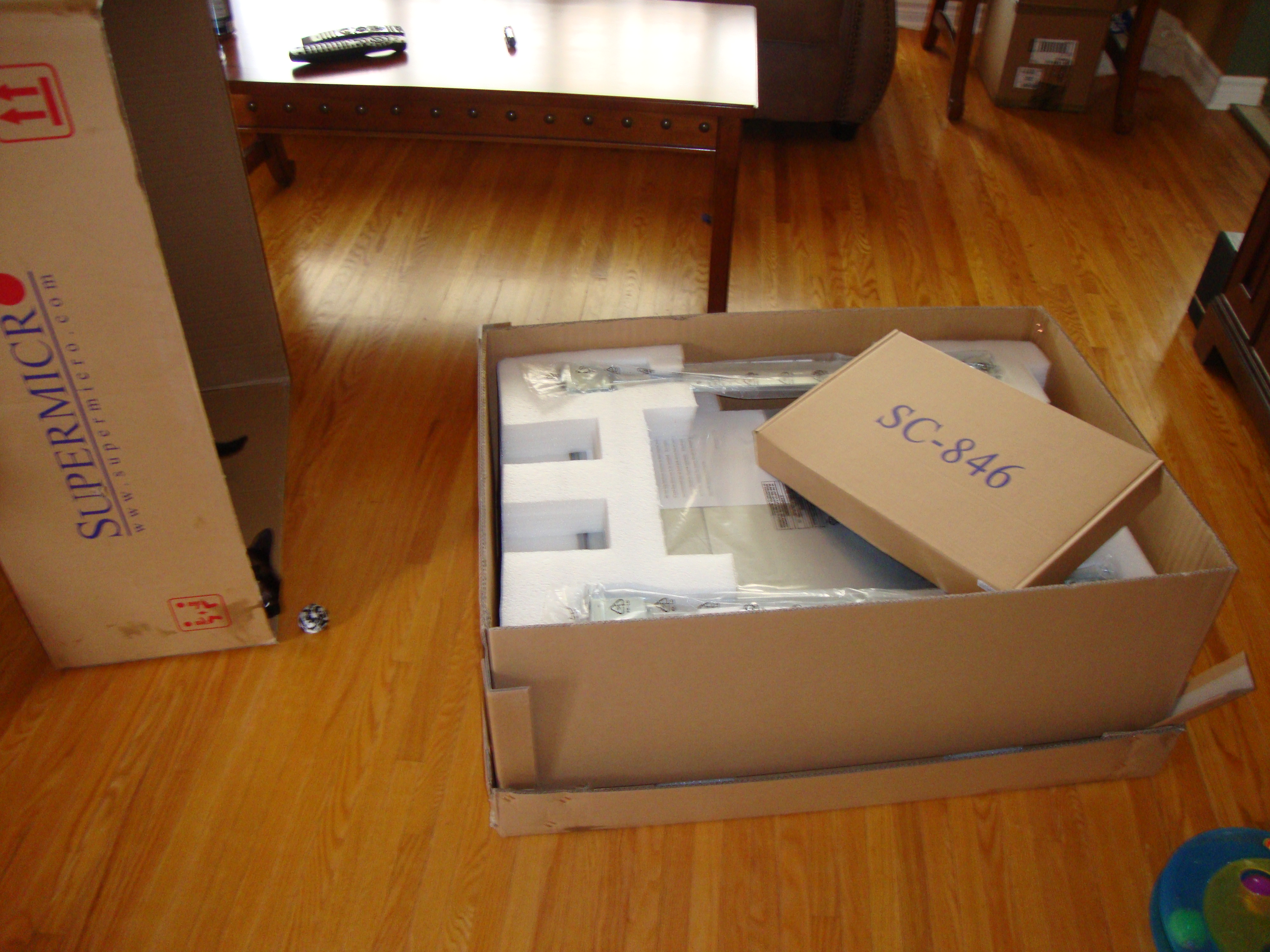
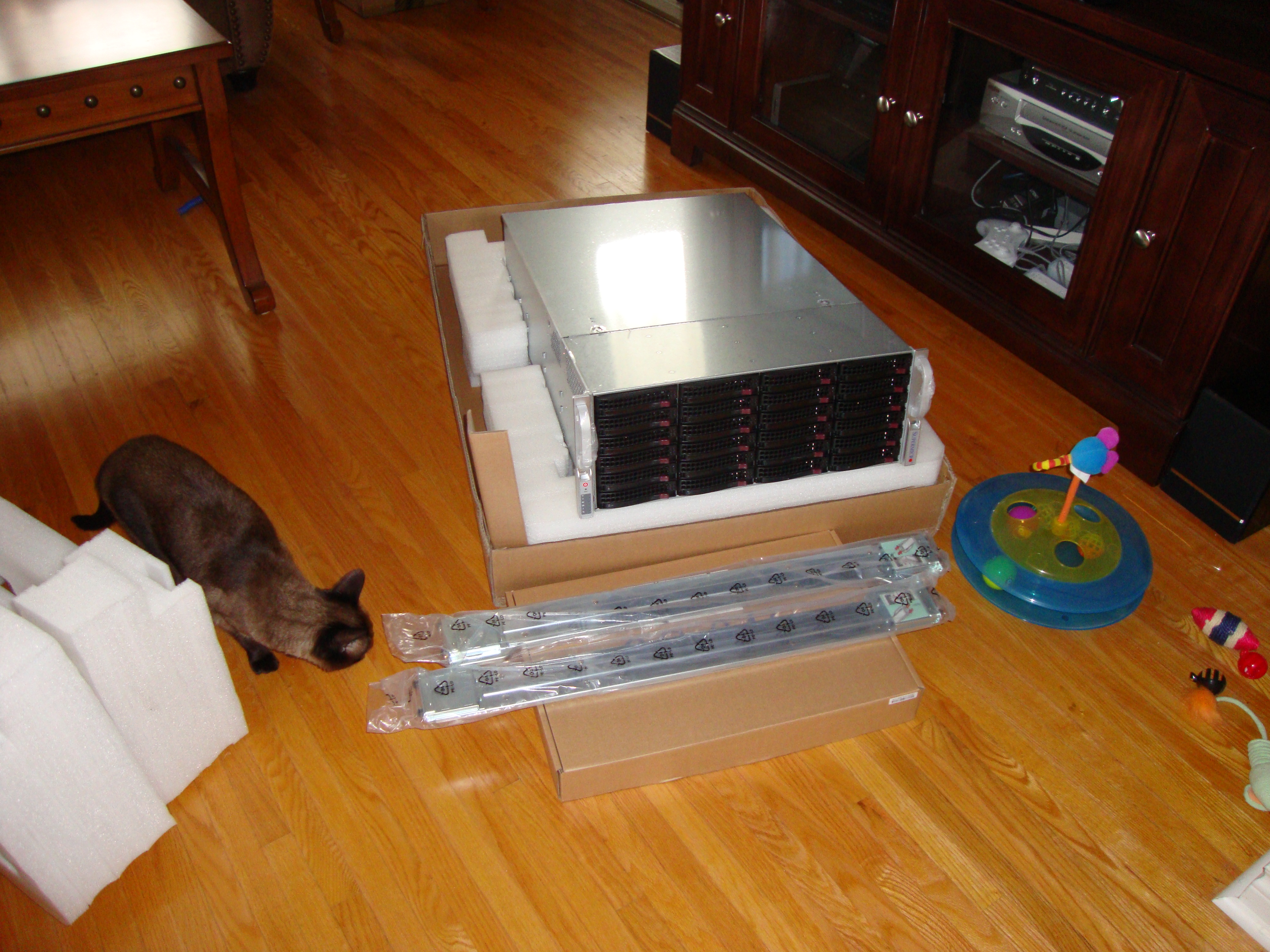
Looks a bit big to me for only 24 disks...is that using iSCSI?....Just got a Dual SAS controller P2000
P2000_zps405b913b.jpg
 
6 rows of 4 3.5" bays. I'm currently debating between NFS and iSCSI. Think I will use NFS though, as I will treat it more like a file server than a SAN.
 
Back
Top