• We’re currently investigating an issue related to the forum theme and styling that is impacting page layout and visual formatting. The problem has been identified, and we are actively working on a resolution. There is no impact to user data or functionality, this is strictly a front-end display issue. We’ll post an update once the fix has been deployed. Thanks for your patience while we get this sorted.

Crowded WiFi Questions

DarkManX

Diamond Member
Help me improve the situation at my girlfriends house... She lives in the city so there are many competing networks so the quality of her wi-fi signal is pretty crappy. Most nights we cant stream anything on her Apple TV without frequent stops.

Verizon FIOS 50/50 connection - not that this is the issue. The wired bandwidth is great

I got her the Archer C7 router to try the 5Ghz

She has a Netgear Network extender Upstairs.

Over the weekend I also installed a TL-WPA4220NET Powerline Extender


The house:

3 Stories...

Basement: has an Apple TV Currently connected via 5Ghz... Working fine.
First Floor: the Router is in the kitchen which is pretty much in the center of the house
Second Floor: Bedrooms, master bedroom (where we usually have streaming issues)

I setup the powerline network to extend a connection into the master bedroom and hard wired into the Apple TV. We watched about 30 minutes of Netflix without any hiccups. I think the powerline might be a success.

I would still like to optimize the wireless performance so some questions:

- Does it make sense to manually set the channel on all the devices to ones that are less crowded?
- Does it make sense to set the same SSID on all the devices? This is currently the case for the 2.4Ghz router, and power line network extender. However the Netgear has a different SSID that I have not messed with yet.

Thanks in advance!
 
Use a wifi scanner and look for less crowded channel and set manually.

I tend to set different said for the different bands.
 
Use a wifi scanner and look for less crowded channel and set manually.

I tend to set different said for the different bands.

That is what I have been looking at, but I am wondering if other routers around are set to "auto" and will jump around.
 
That is what I have been looking at, but I am wondering if other routers around are set to "auto" and will jump around.

Unless they keep powercycling them, chances are no. Or they have one that supports dfs. But it's out of your hands anyway.
 
Last edited:
I thought you have a power line extender? Wifi repeater setting will depend on implementation. I am not familiar with your hardware so you need to read the manual.
 
Last edited:
I thought you have a power line extender? Wifi repeater setting will depend on implementation. I am not familiar with your hardware so you need to read the manual.

Have a dedicated extender and the powerline adapter also creates an WiFi AP.
 
You have to be more specific about the Extender Term.

Powerline per-se is Not an Extender it is using the power wires instead of Ethernet wires.

Wireless Extender per-se, aka Repeater, has nothing to do with Power-line and it usually Not a solution for any heavy traffic like streaming.

Example -
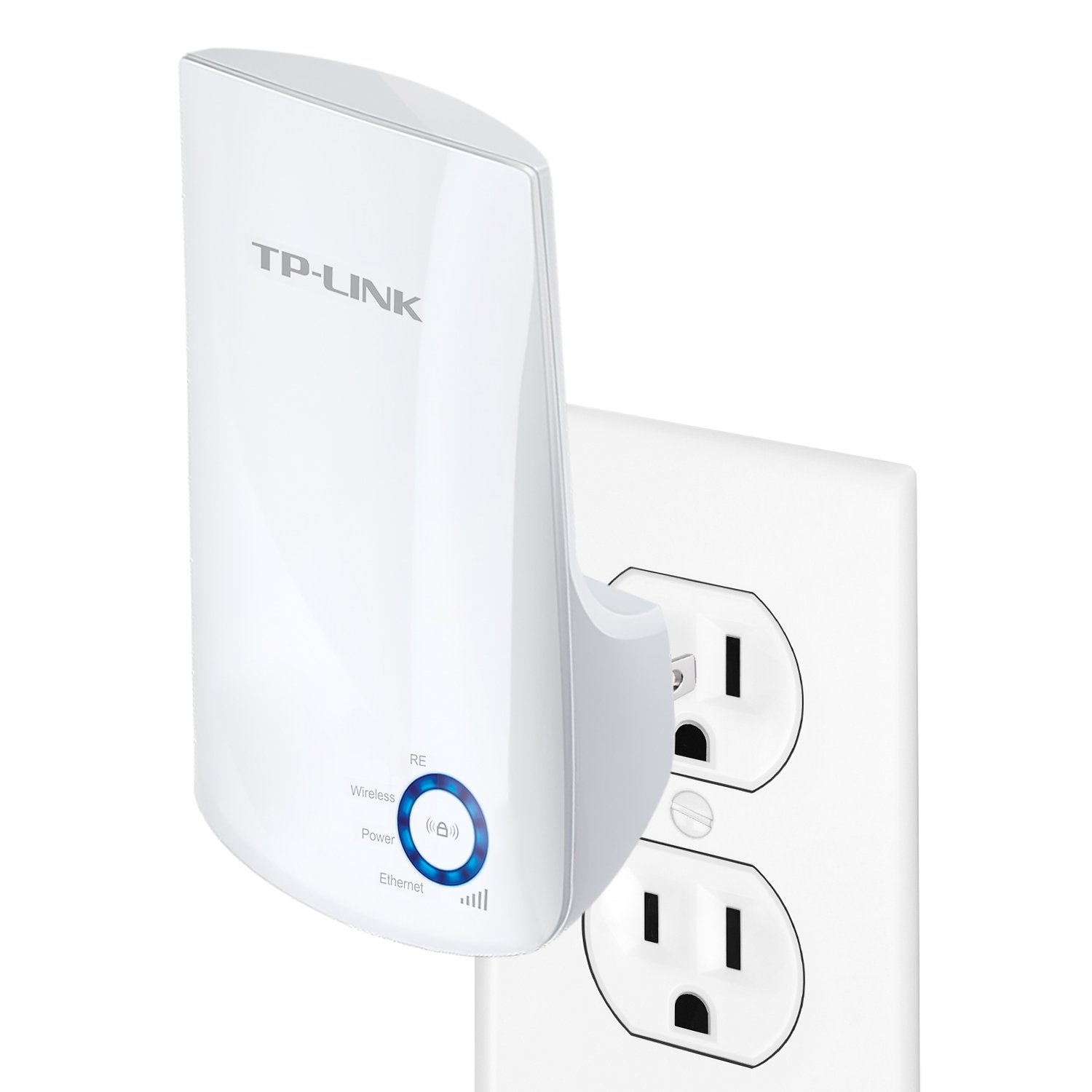
61M2GoS9dzL._SL1500_.jpg


If a power line concoction does not work then the Best solution is to get another good Wireless Router. Lay a CAT6 cable from the main Router to the second floor and install the new Wireless Router configure as an AP in a good spot.

Using Wireless Routers (or Modem/Wireless Router) as a Switch with an Access Point - http://www.ezlan.net/router_AP.html

Some times it is easier to use the Ubiquity Wireless hardware fed by POE (instead of plugin to a wall outlet) and connected the Ethernet from above through the Ceiling. It is more expensive and a little harder to configure, but it works like a charm.

http://www.amazon.com/Ubiquiti-UniF...4/ref=sr_1_3?s=pc&ie=UTF8&qid=1444771575&sr=1

----------------
In case the Wife does not allow to add a wire it might be that the only solution is to replace the wife. (j/k) :colbert: - :biggrin:


😎
 
Last edited:
I got her the Archer C7 router to try the 5Ghz

The house:

3 Stories...

Basement: has an Apple TV Currently connected via 5Ghz... Working fine.
First Floor: the Router is in the kitchen which is pretty much in the center of the house
Second Floor: Bedrooms, master bedroom (where we usually have streaming issues)

I setup the powerline network to extend a connection into the master bedroom and hard wired into the Apple TV. We watched about 30 minutes of Netflix without any hiccups. I think the powerline might be a success.

I would still like to optimize the wireless performance so some questions:

- Does it make sense to manually set the channel on all the devices to ones that are less crowded?
- Does it make sense to set the same SSID on all the devices? This is currently the case for the 2.4Ghz router, and power line network extender. However the Netgear has a different SSID that I have not messed with yet.

Thanks in advance!

Don't use 5GHz in that scenario. I know the 2.4 band is crowded, but the higher the frequency, the less wall [floor/ceiling] penetration.

Use 2.4GHz, run a wireless scan tool, I like INSSIDer, and set for either channel 1, 6, or 11. Use 20MHz width, not 40 and you should be good.

Never use the same SSIDs unless the APs are designed for hand-off. Otherwise the device will latch on and not give up until the signal is totally gone. They don't know to switch to the stronger signal.

Hope this helps.
 
Back
Top