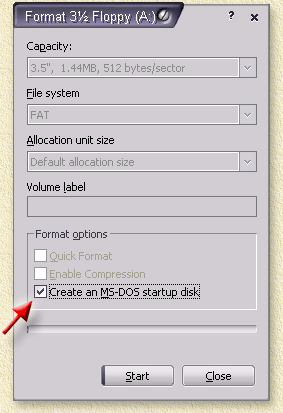
can someone explain to me how to locate a file directory after booting from a USB stick...I'm trying to update the firmware on my SSD and the only way to do it is by booting through the USB but I have no idea how to do it...here are the instructions provided by G.Skill:
1. Download and extract the new firmware to an bootable USB stick
2. Boot from that USB and go to the path where your firmware files are located
I've created a bootable USB, saved the firmware file to it and gone into the BIOS and selected it as the first boot device but every time I reboot it starts the Windows install load screen...how do I get to the path where my firmware is located (F: Falcon)
here is a screenshot proved by G.Skill...how do I get to this screen?

1. Download and extract the new firmware to an bootable USB stick
2. Boot from that USB and go to the path where your firmware files are located
I've created a bootable USB, saved the firmware file to it and gone into the BIOS and selected it as the first boot device but every time I reboot it starts the Windows install load screen...how do I get to the path where my firmware is located (F: Falcon)
here is a screenshot proved by G.Skill...how do I get to this screen?